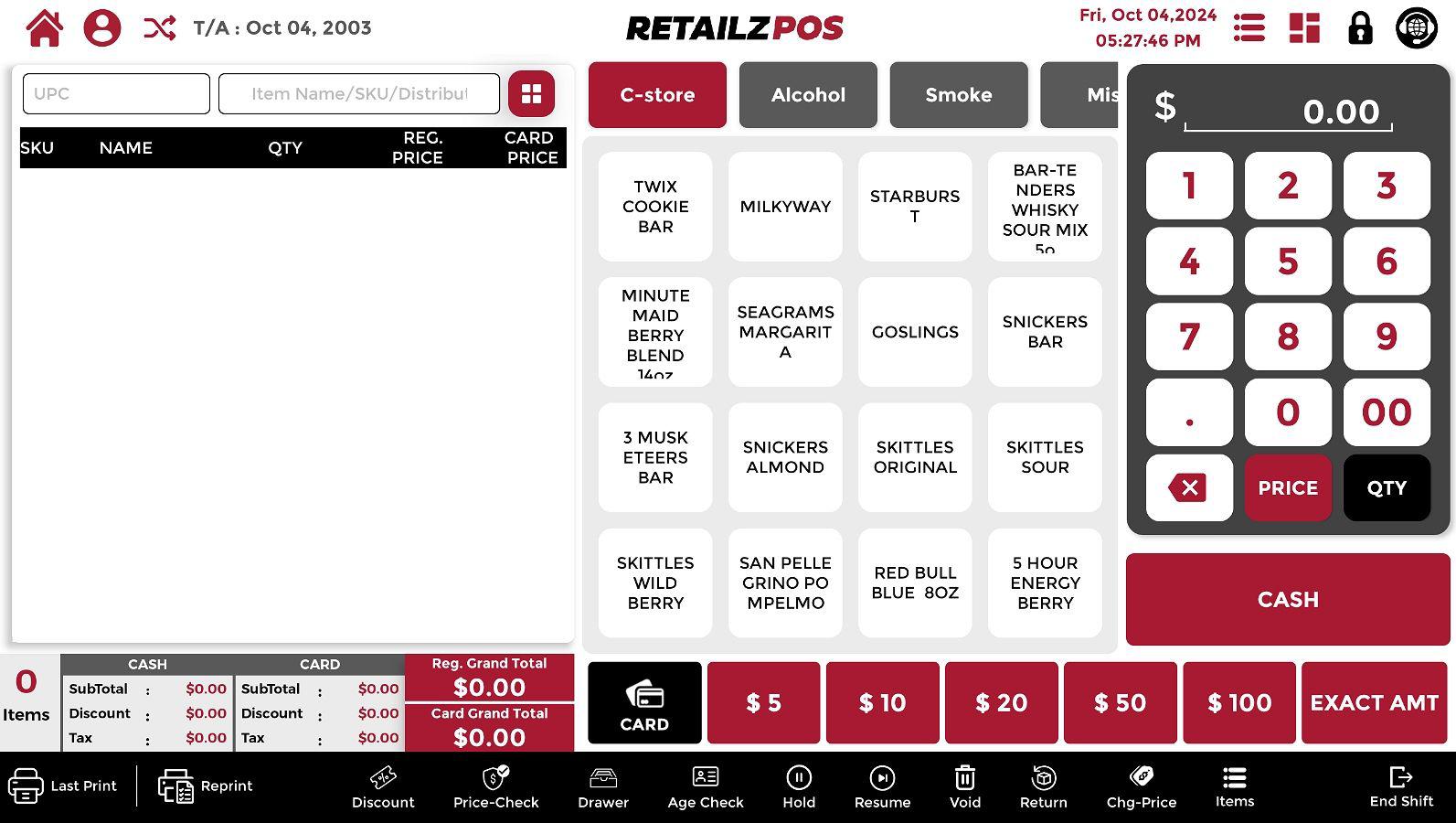
Overview #
Synchronization is a process that allows you to manually sync data across the POS, Back Office, and Mobile Application. Through the synchronization menu, you can update various types of data, including Refresh Data, Items, Employees, and Sales & Promotions, ensuring that all systems reflect the latest information.
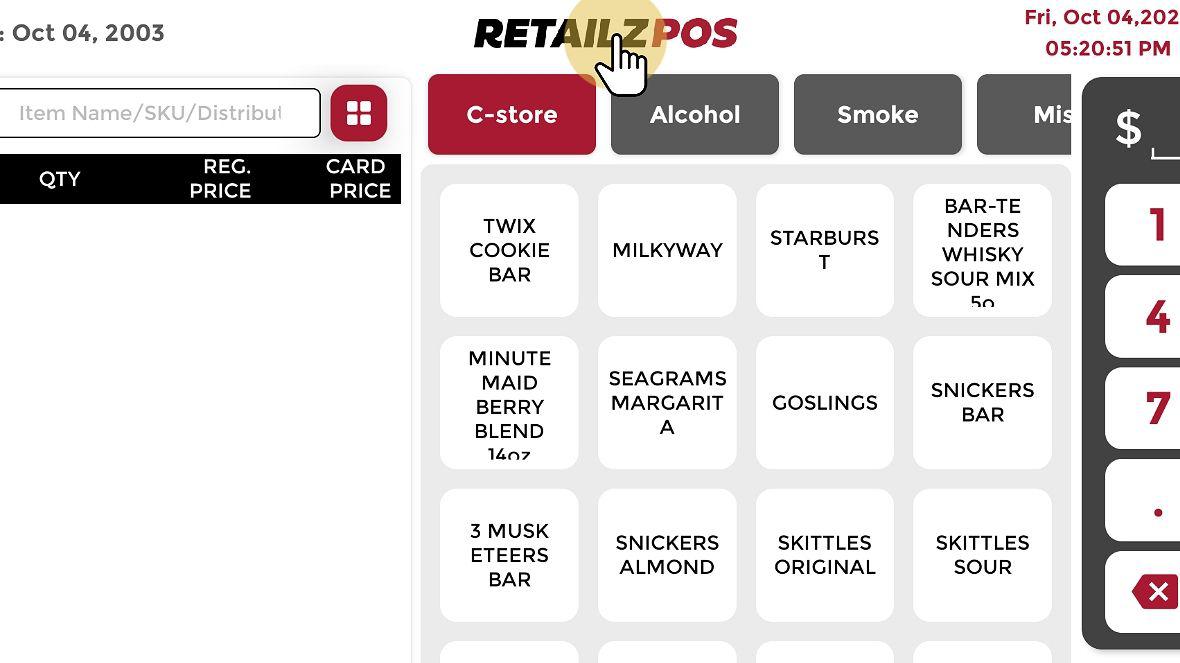
Select the RetailzPOS Logo #
To perform a Data Synchronization, select the RetailzPOS logo on the cash register screen.
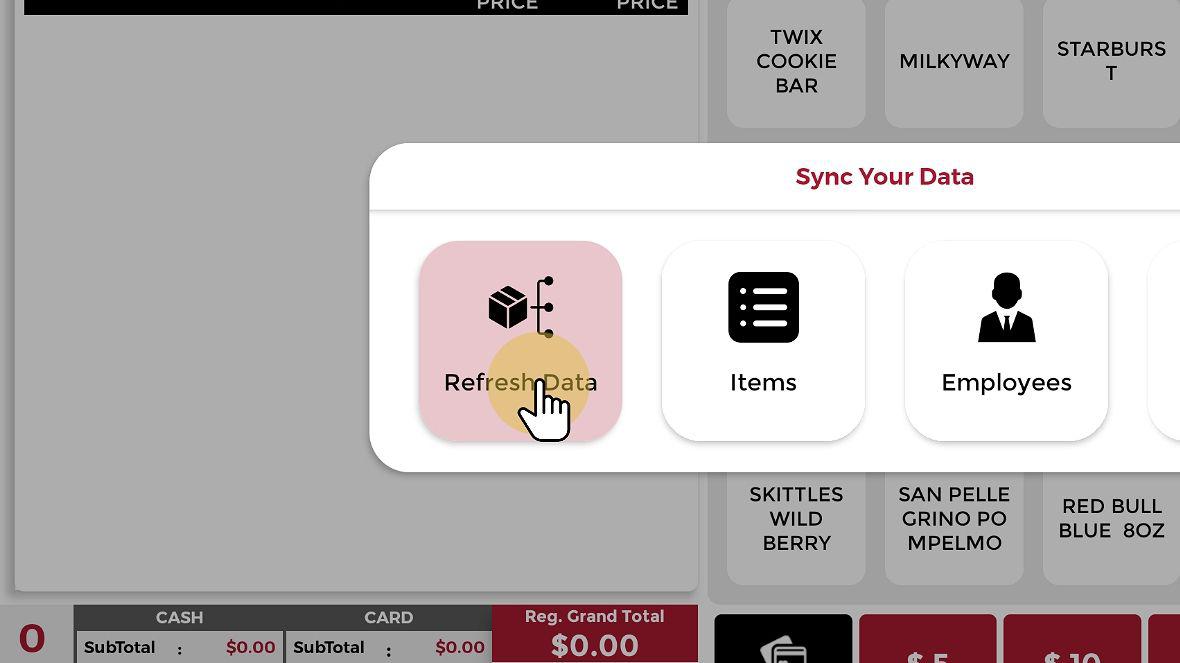
Synchronization Option #
A popup menu will open with the options of Refresh Data, Items, Employees, and Sales & Promotions.

Select Synchronization Option #
Select Refresh Data, Items, Employees, or Sales & Promotions to perform the Synchronization.
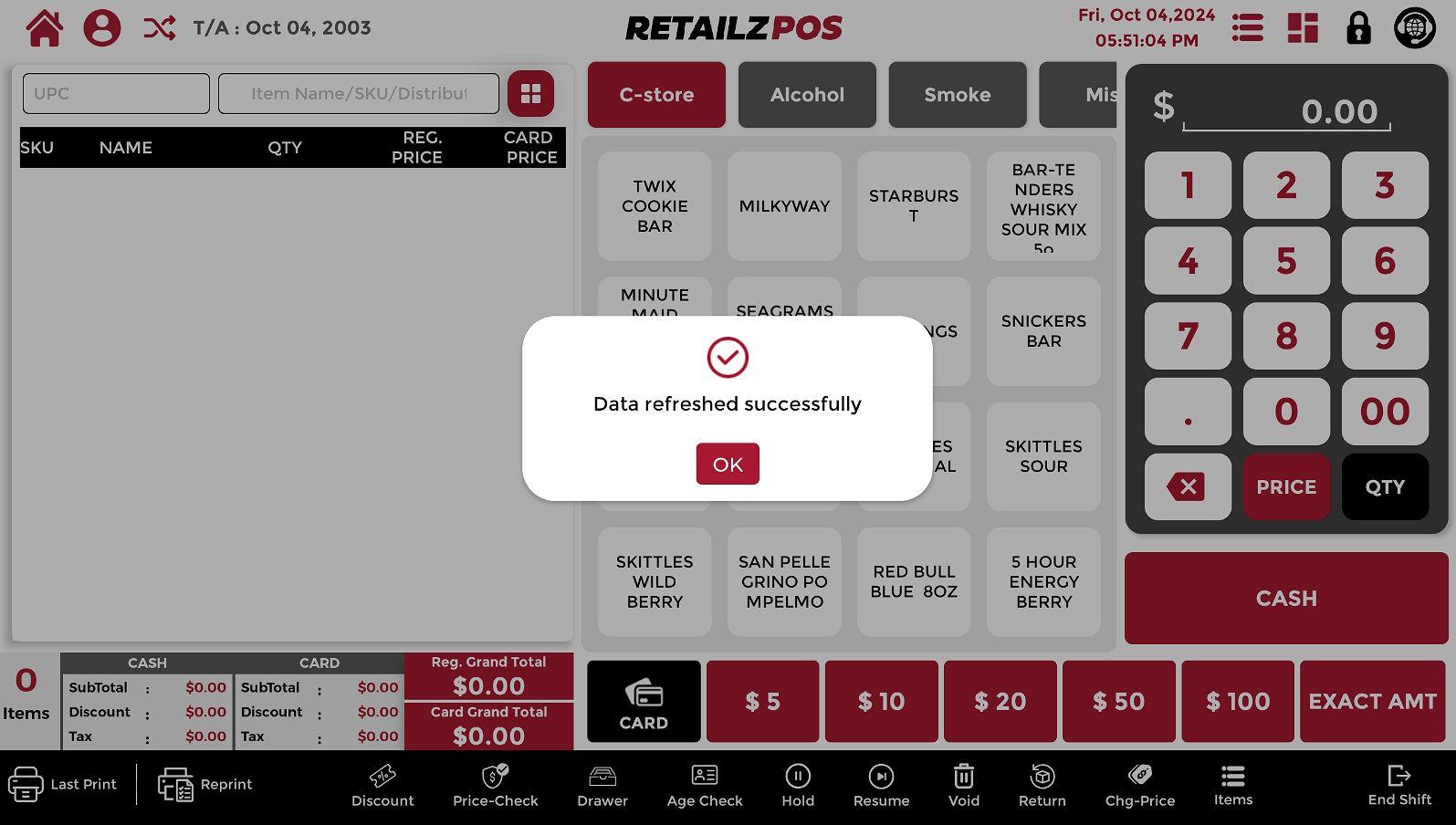
Data Refreshed Successfully #
Once the Synchronization is complete, a popup message will appear saying “Data Refreshed Successfully.”