Overview #
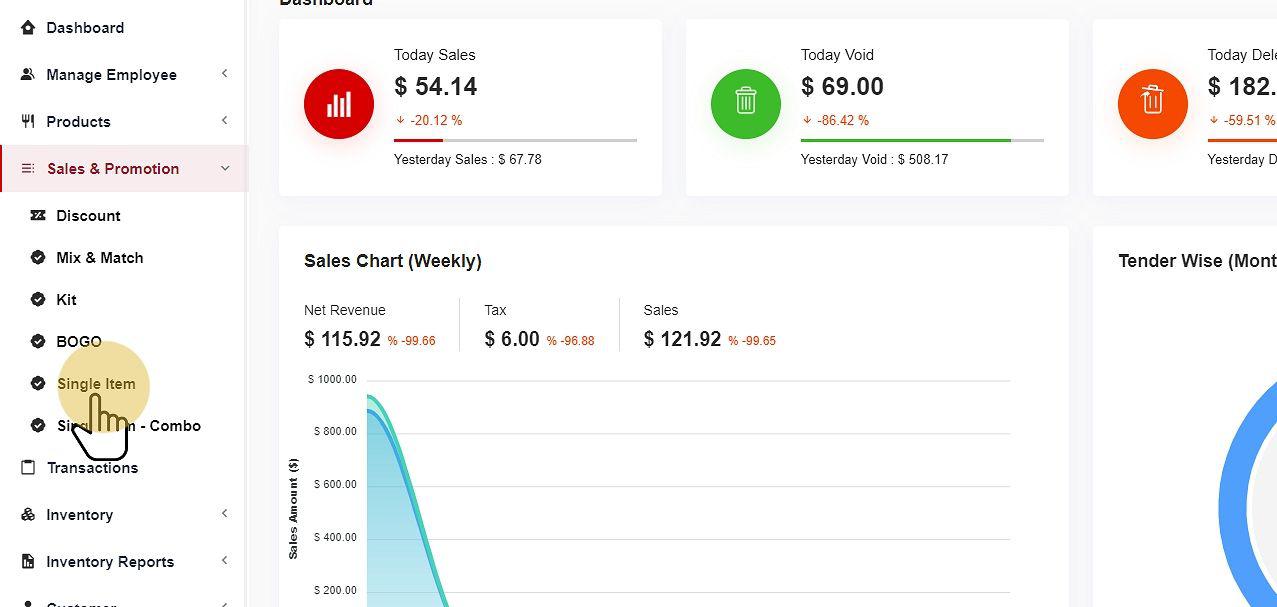
Single-item promotions are used to focus on one specific item discount. This discount will apply to a single item versus it working on multiple products together.
Add a New Promotion #
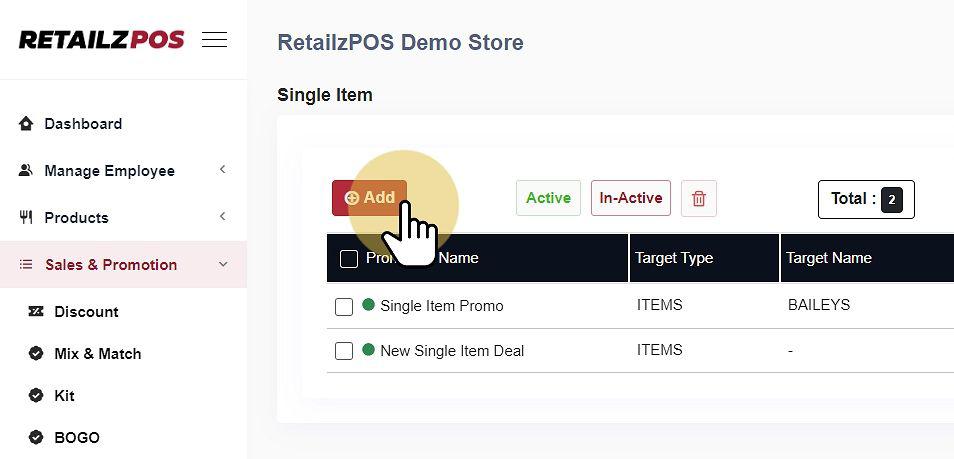
Select Add to create a new Single Item Promotion.
Input Promotion Details #
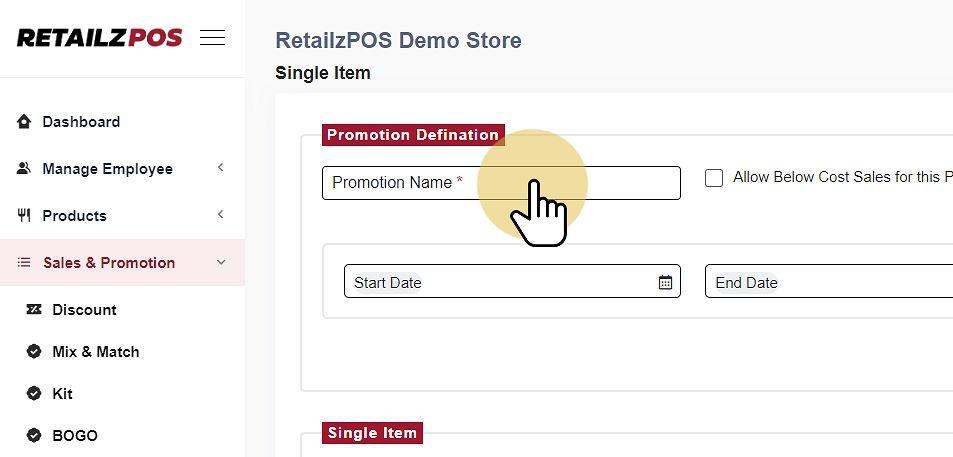
Promotion Name #
Allow Below-Cost Sales #
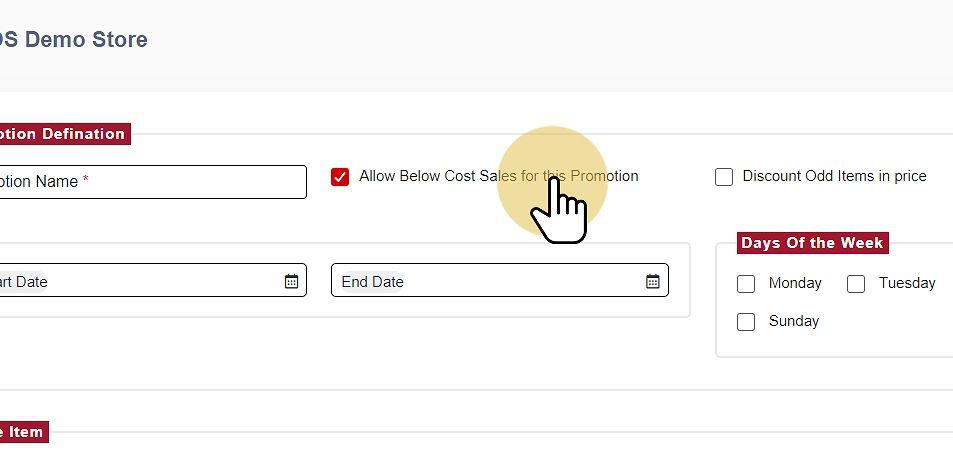
Discount Odd Items in Price #
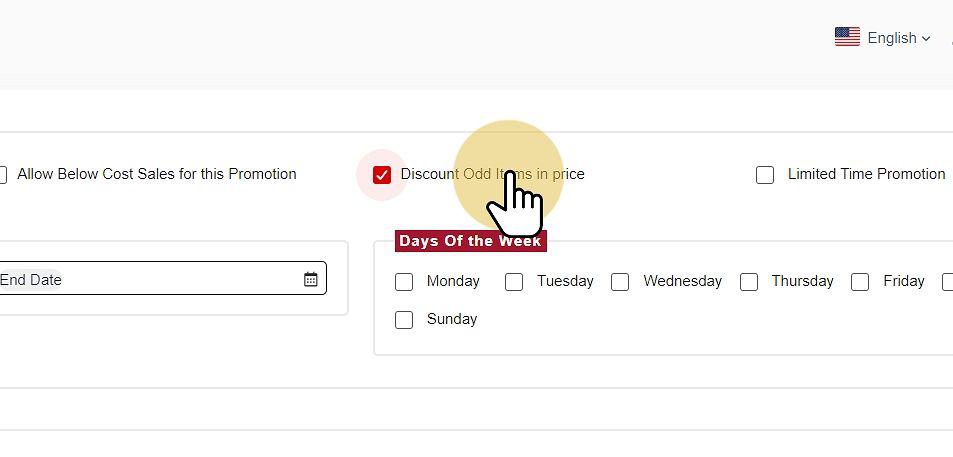
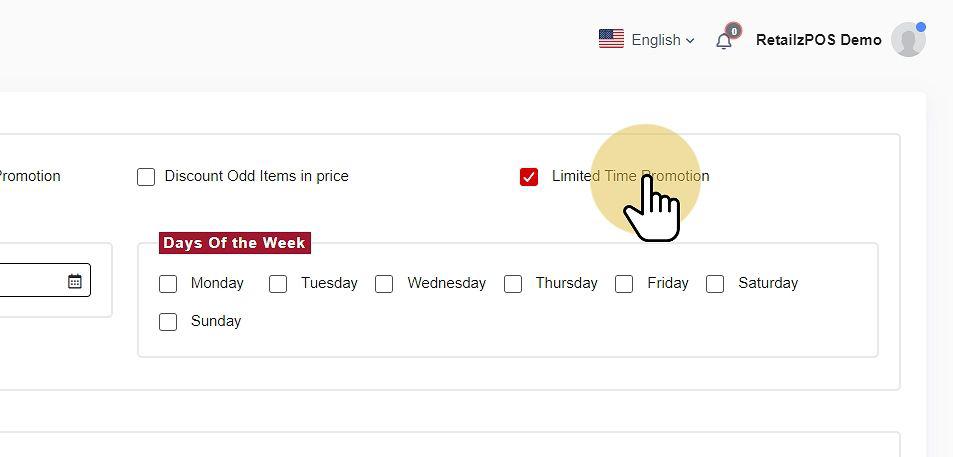
Limited Time Promotion #
-
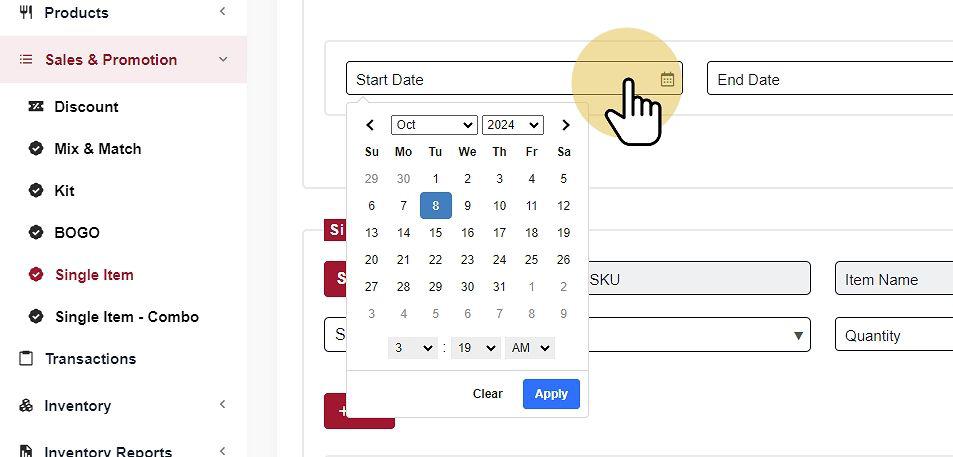
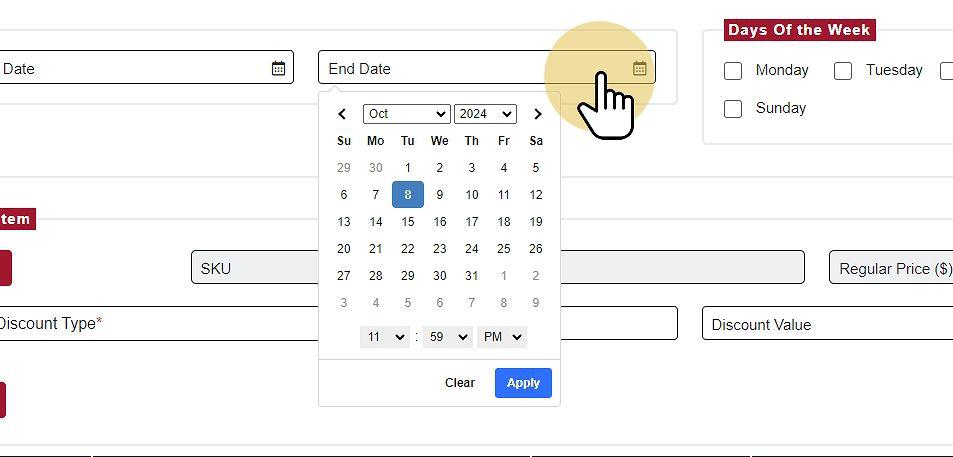
Start Date/End Date #
-
Set Custom Date Range #
Can set any Custom Date Range
-
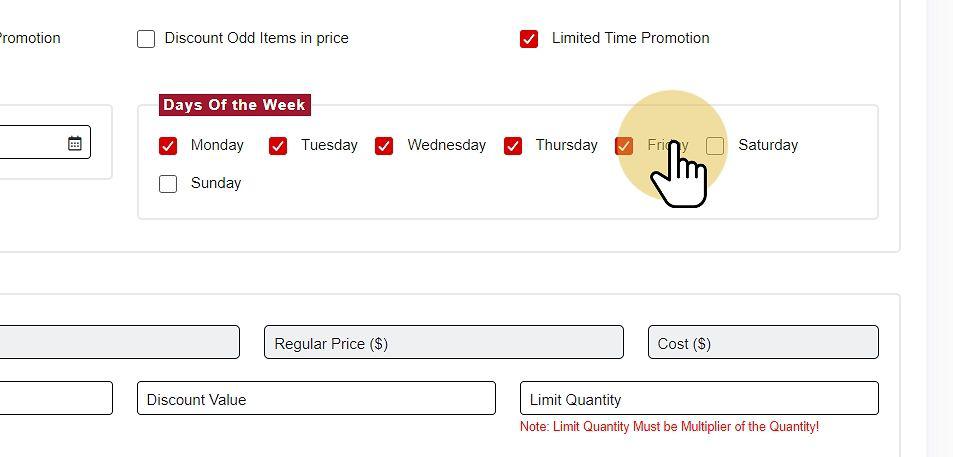
Days of the Week (Optional) #
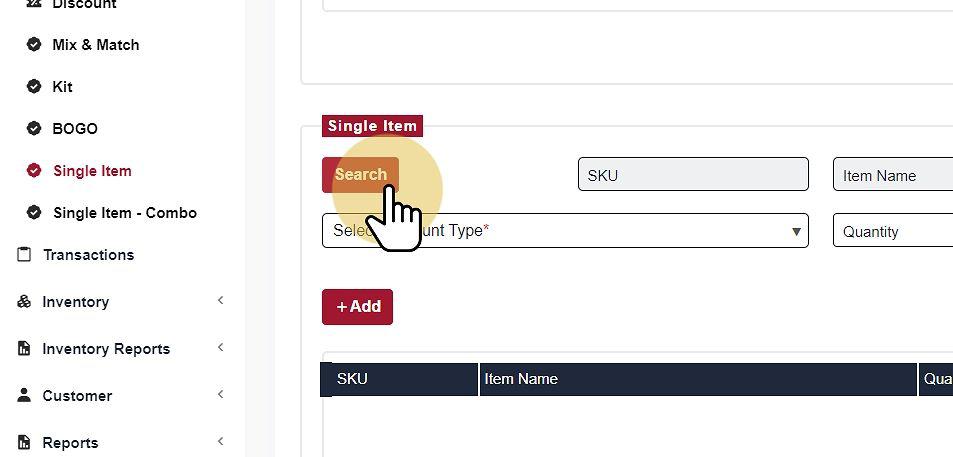
Search Item #
- Search the item using the Search Button.
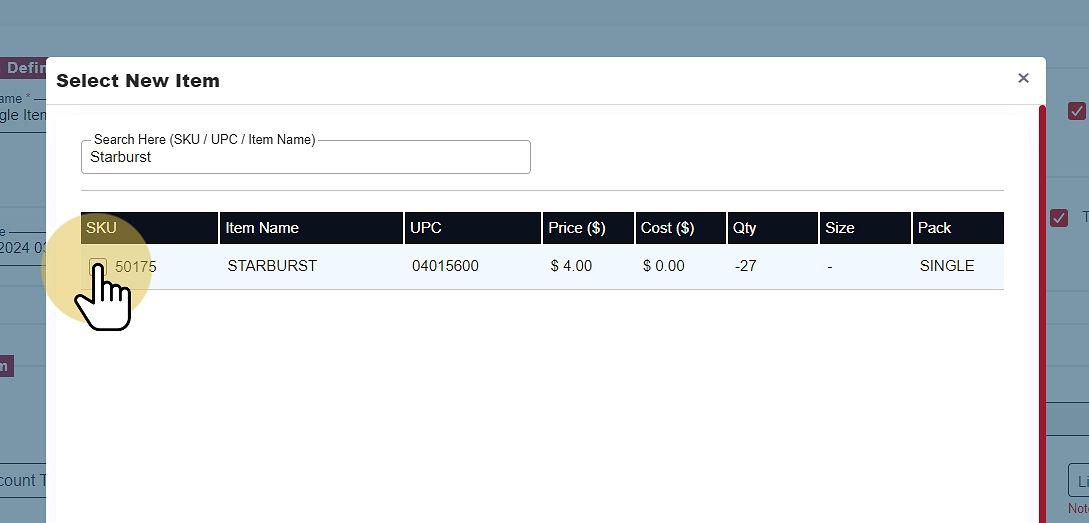
- Search Item using SKU, UPC, or Name
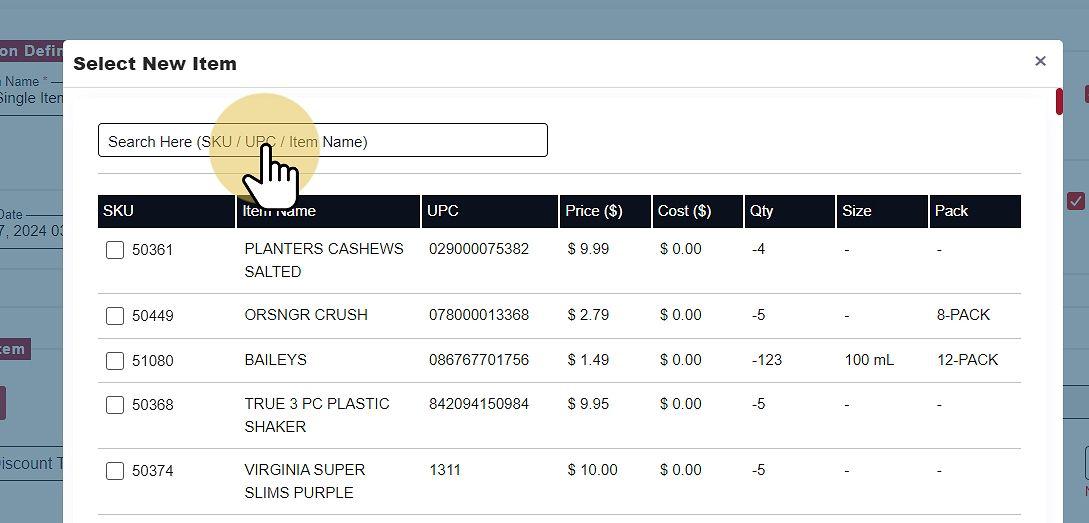
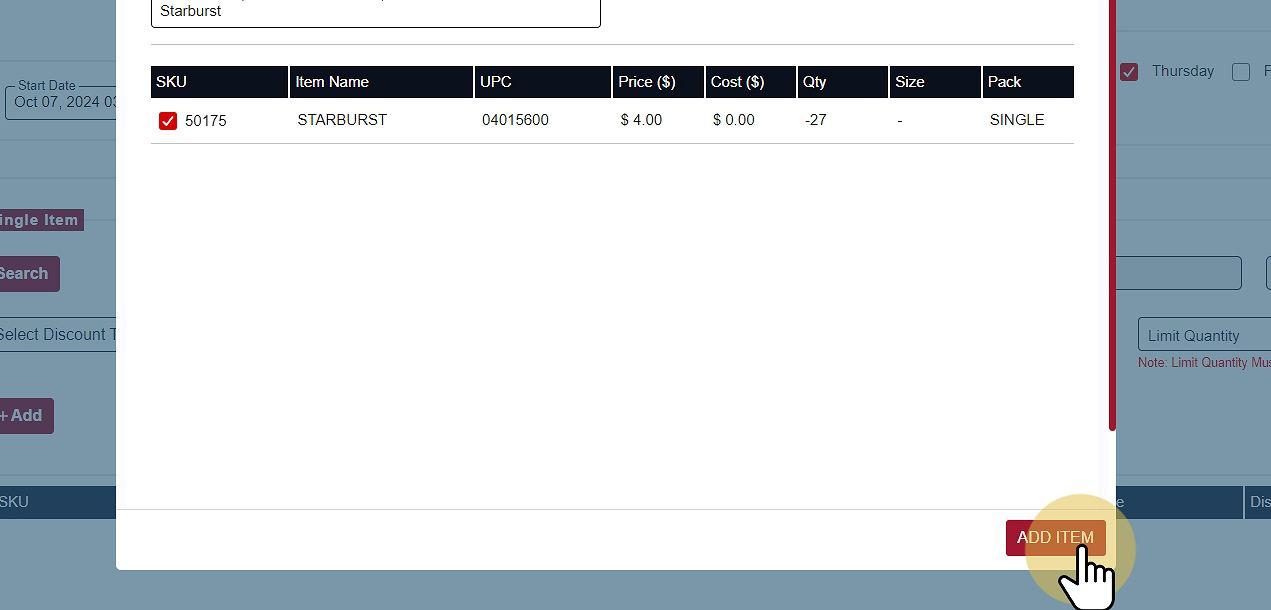
Select the Item and add it to the promotion #
Save Promotion #
Select Save to apply the Single Item Promotion.