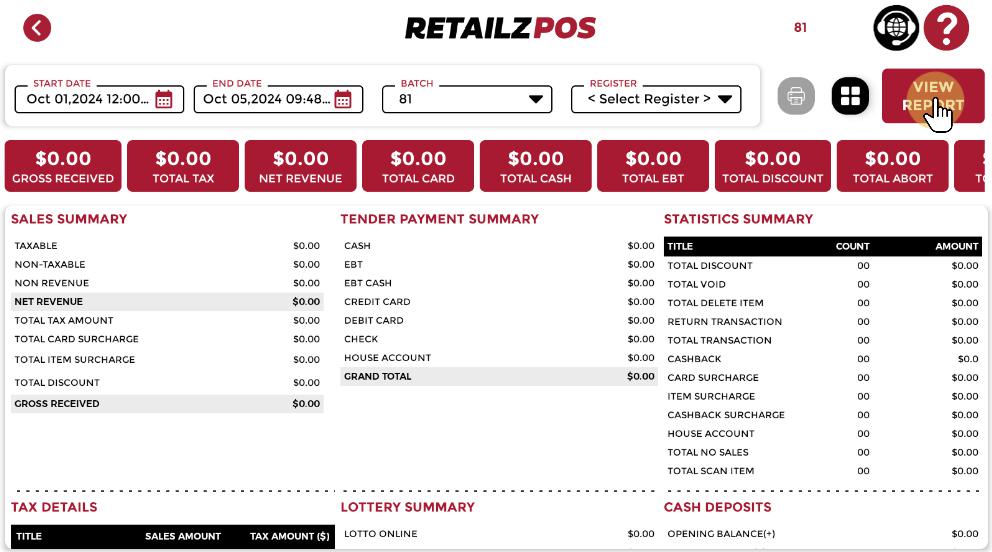
Access the Report #
Select Sales Summary Report if you want to view data from a specific batch or shift.
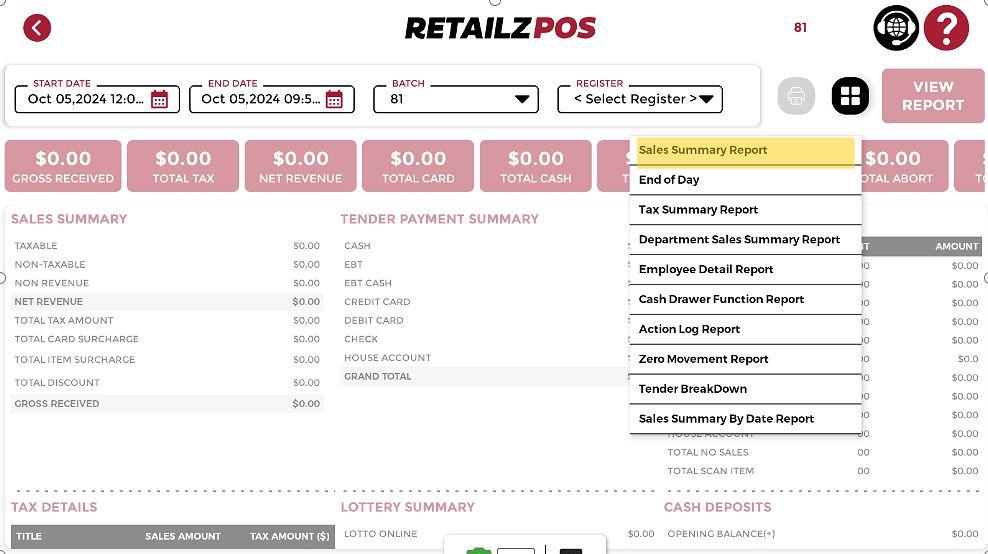
Filter Option #
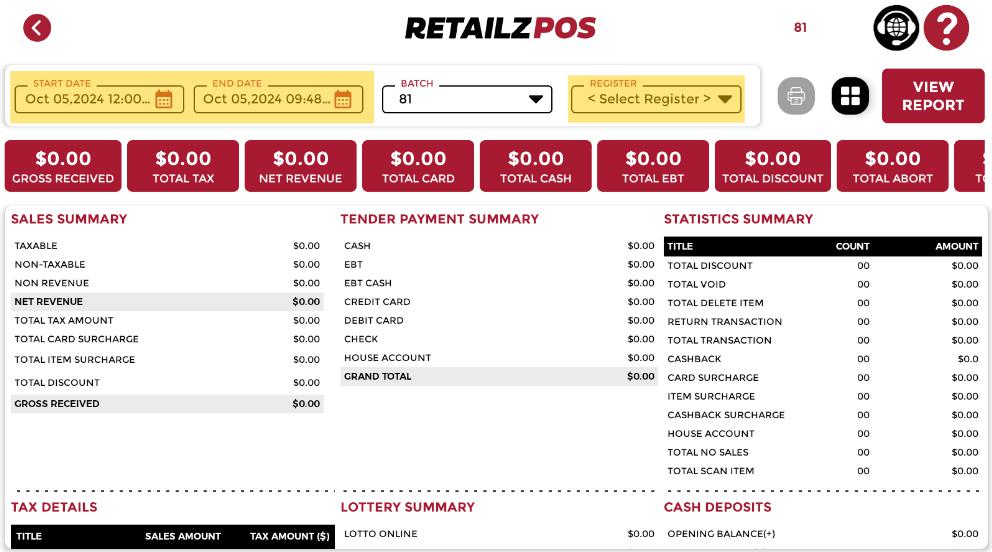
You can use various filters to simplify the process of finding the desired batch or shift:
• Start Date
• End Date
• Register
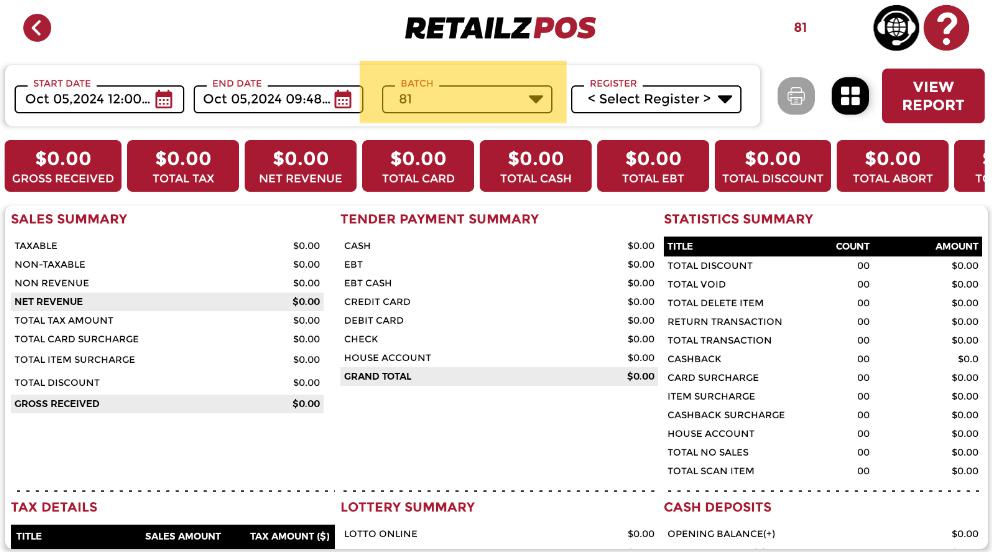
Selecting Batch / ShiftSelecting Batch / Shift #
Click this drop button to select the batch or shift number.
View Report #
Once you have selected the batch or shift, click the View Report button in the upper right corner of the screen to load the data on the screen.