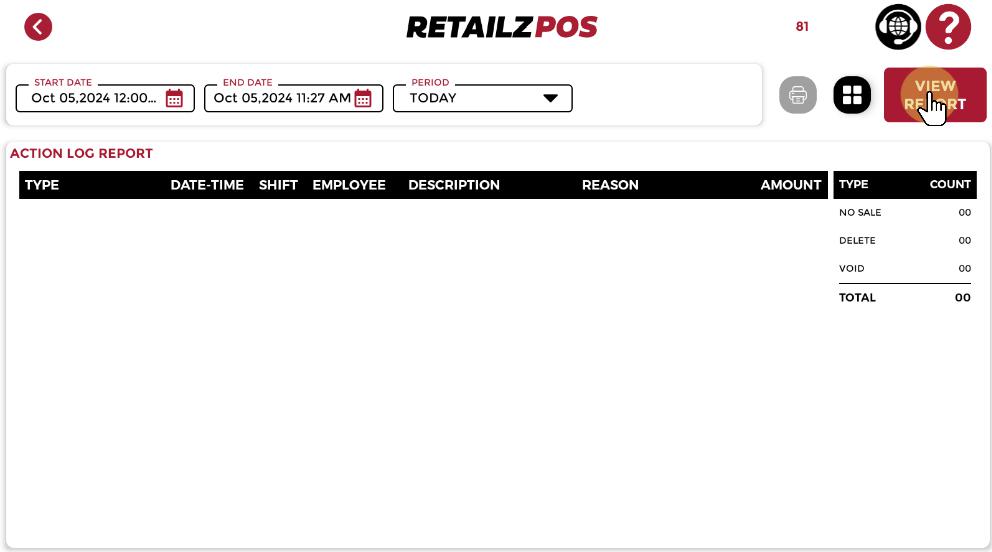
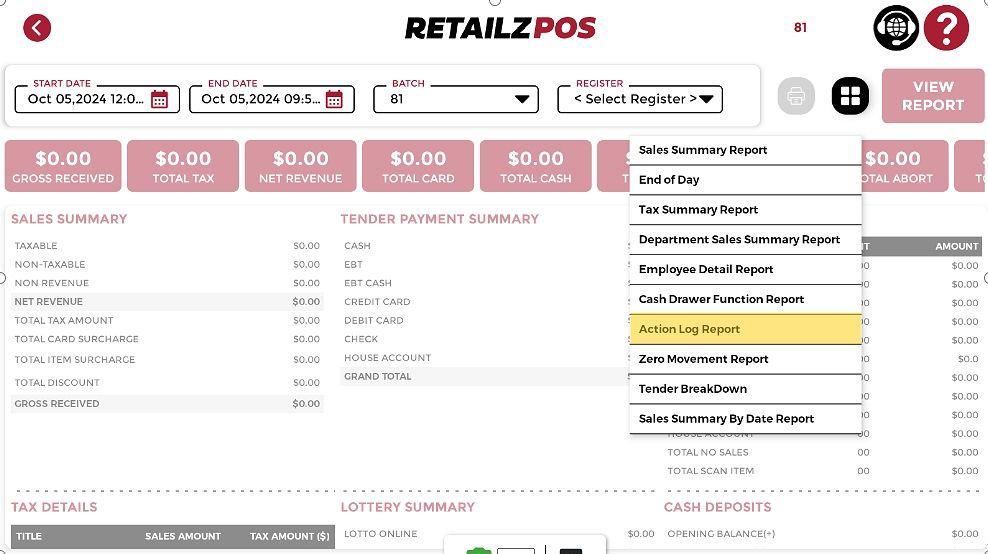
Access the Report #
Select Action Log Report if you are looking for data regarding deletions, voids, or no-sale functions that the cashier or employee performed during a specific time and date.
Filter Option #
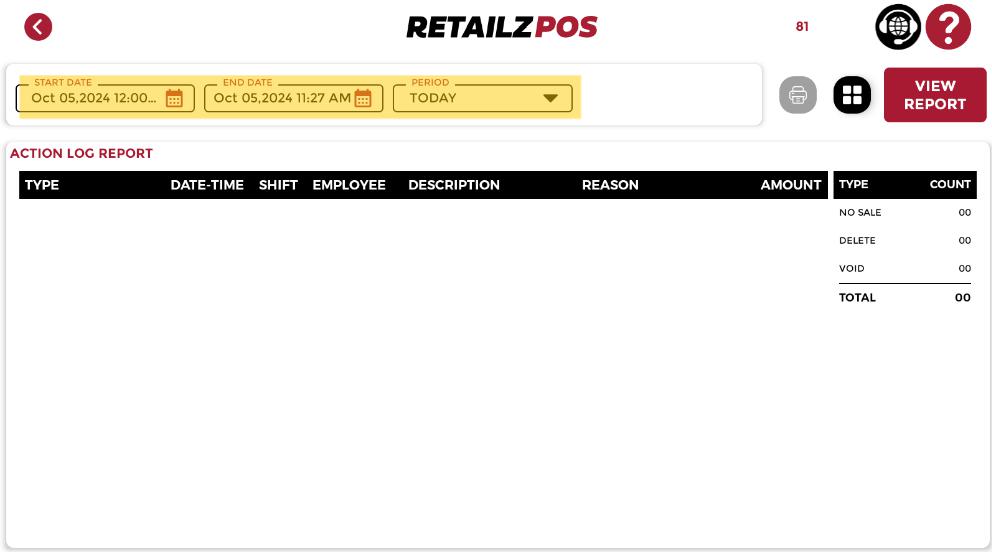
Select the desired date for retrieving data:
• Start Date & End Date
• Period
View Report #
Once you have selected the Date or period, click the View Report button in the upper right corner of the screen to load the data on the screen.