
Overview #
The Below Cost Item Report identifies items sold below their cost price, helping detect pricing issues and potential losses.
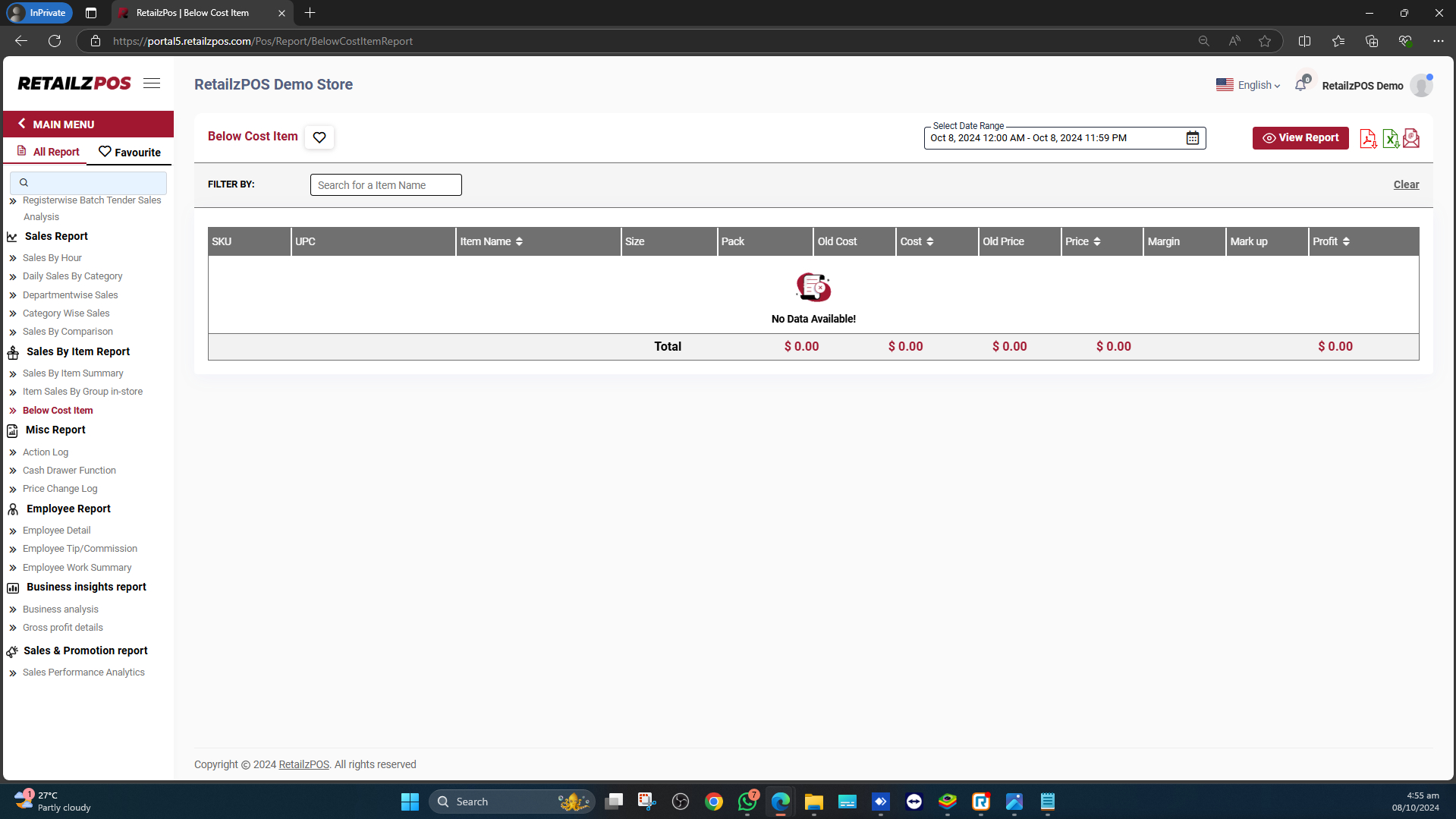
Access the Report #
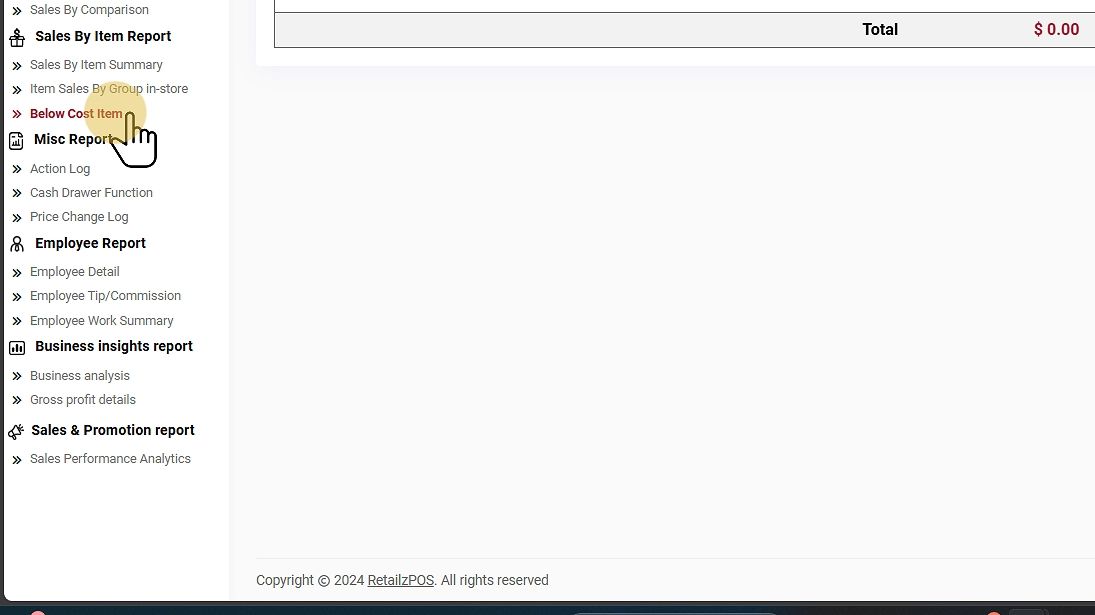
Tap on the Below Cost Item under the Sales Item Report section.
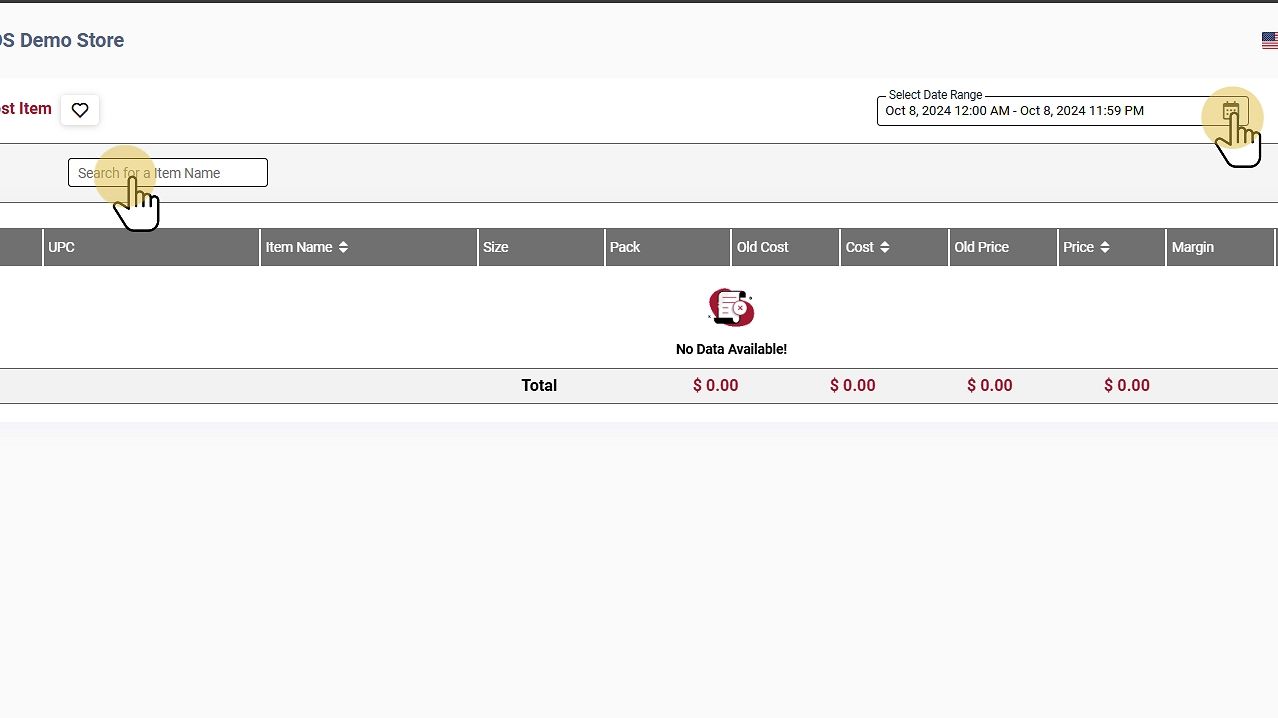
Filter Options #
Select Date Range #
Filter the Date Range and Search an item to view a specific date range and a particular item.
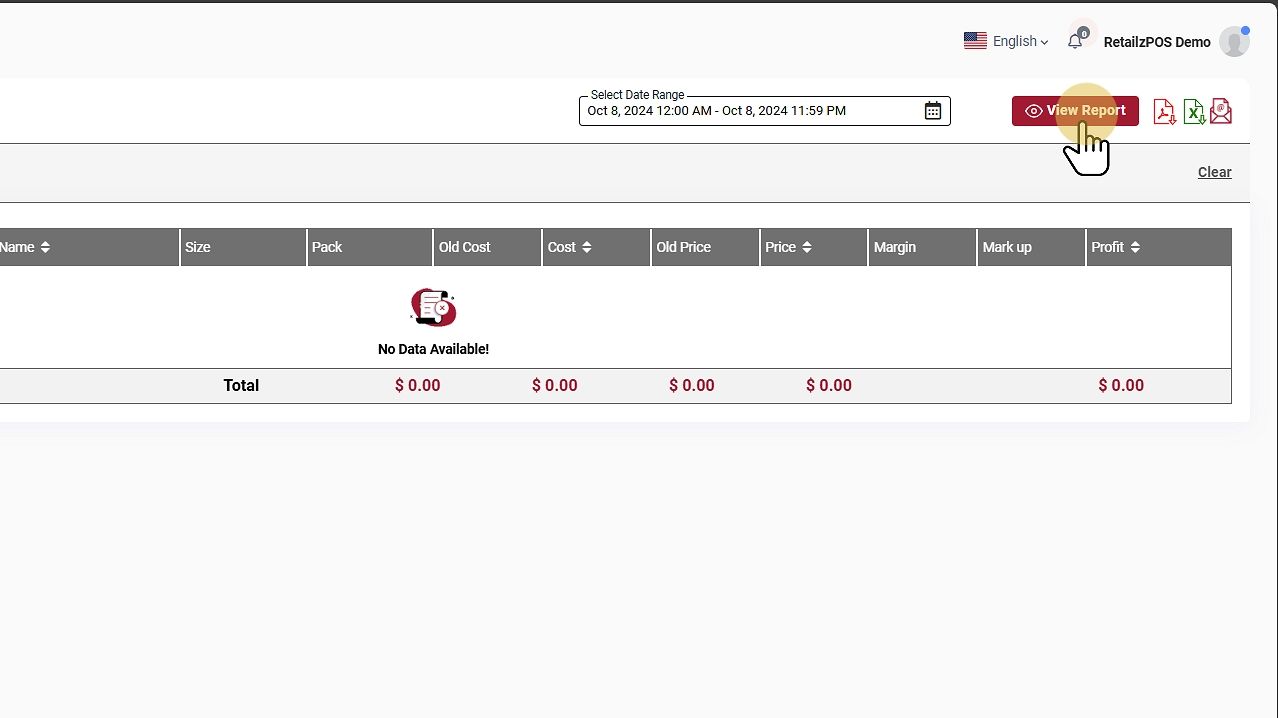
View Report #
Tap the View Report Button to see the report.
Download or Share #
- PDF File: Click the red file icon to download the report as a PDF.
- Excel File: Click the green file icon to download as an Excel file.
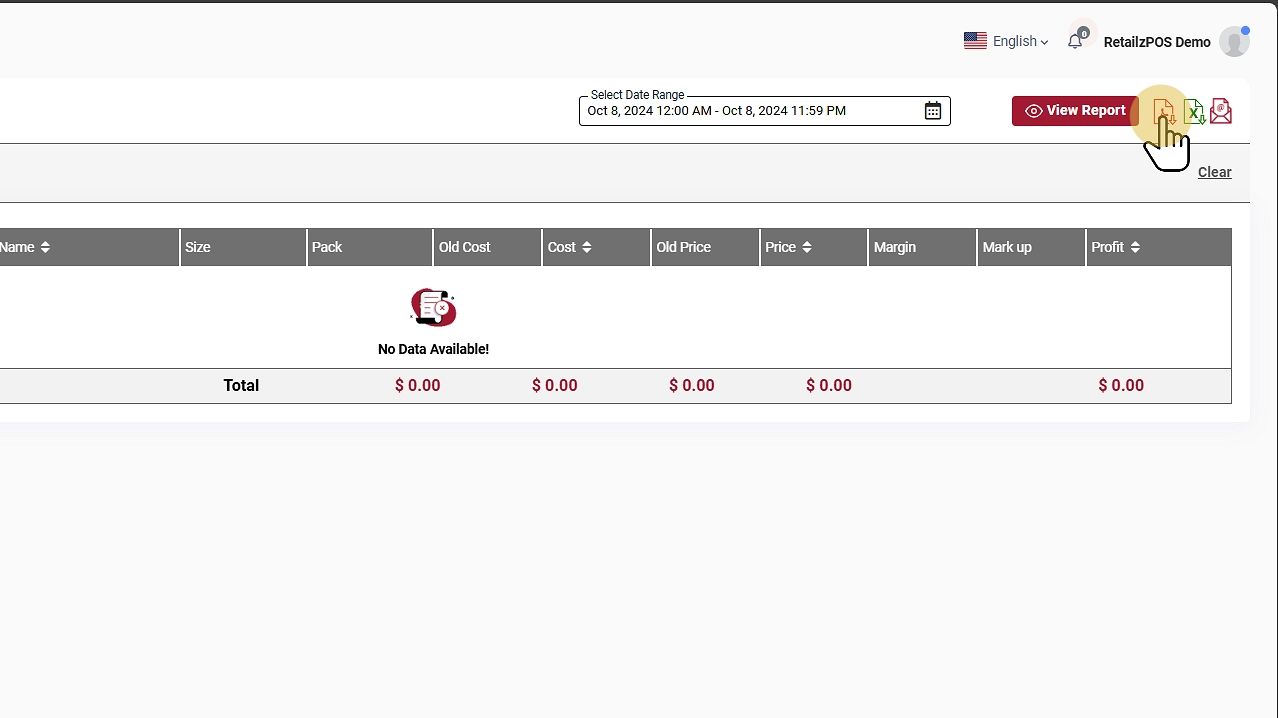
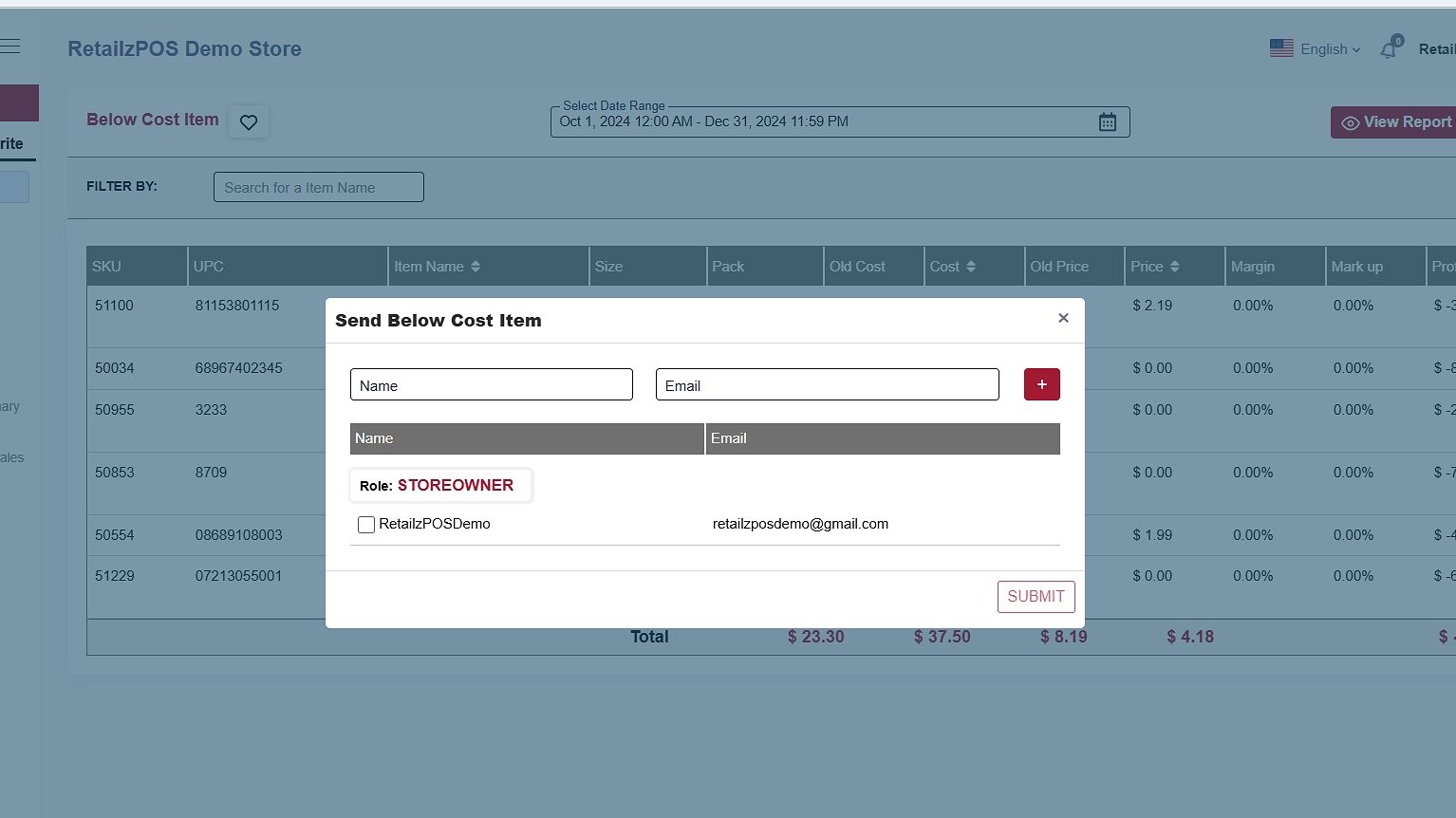
- Email Report: Send the report by email by entering the name and email address of the recipient.
Favourite #
Mark the report as a favorite by tapping the “heart” icon.
It will display the configured favorite reports.

Refresh Report #
To refresh the report, click the clear button at the upper-right corner of the screen