Overview #
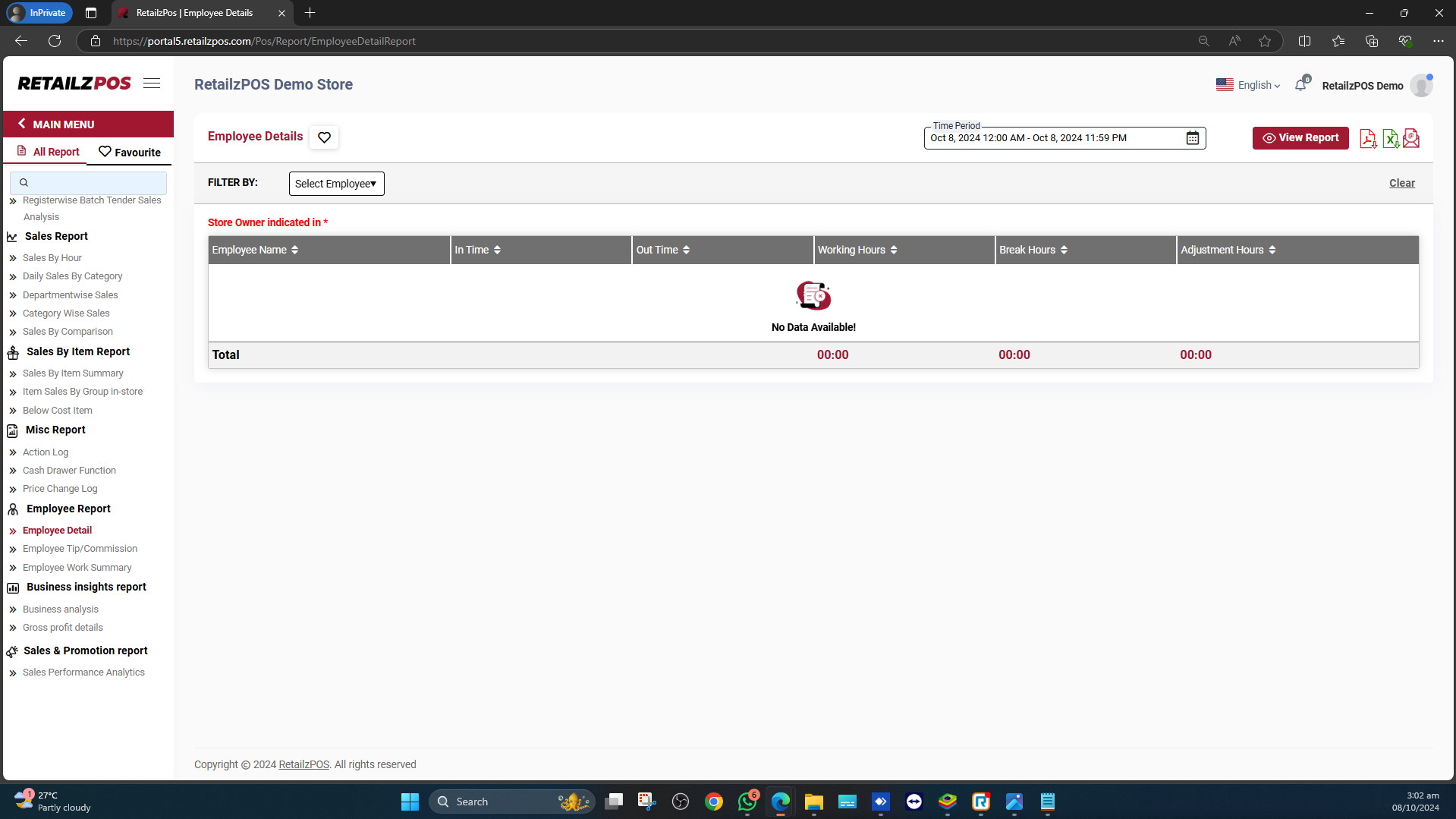
Employee Detail Report is a report that will provide information about the employee’s working hours in your store. It will provide information about the employee’s name, clock-in and out times, work time, break time, and adjusted time.
Select Employee Detail #
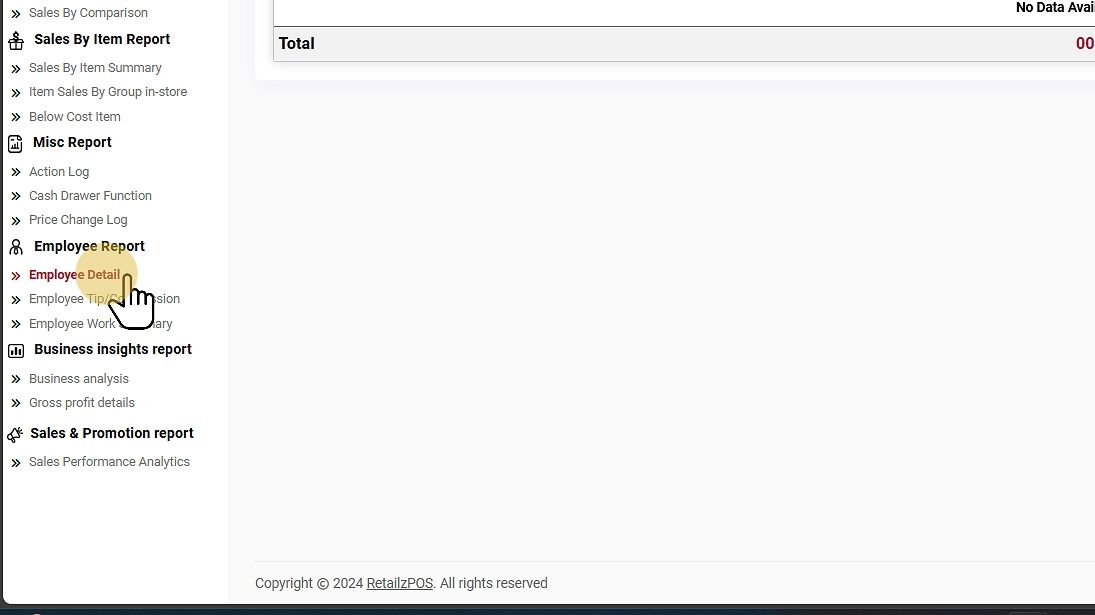
Select Employee Reports under the Employee Report section.
Filter Options #
Select Date Range #
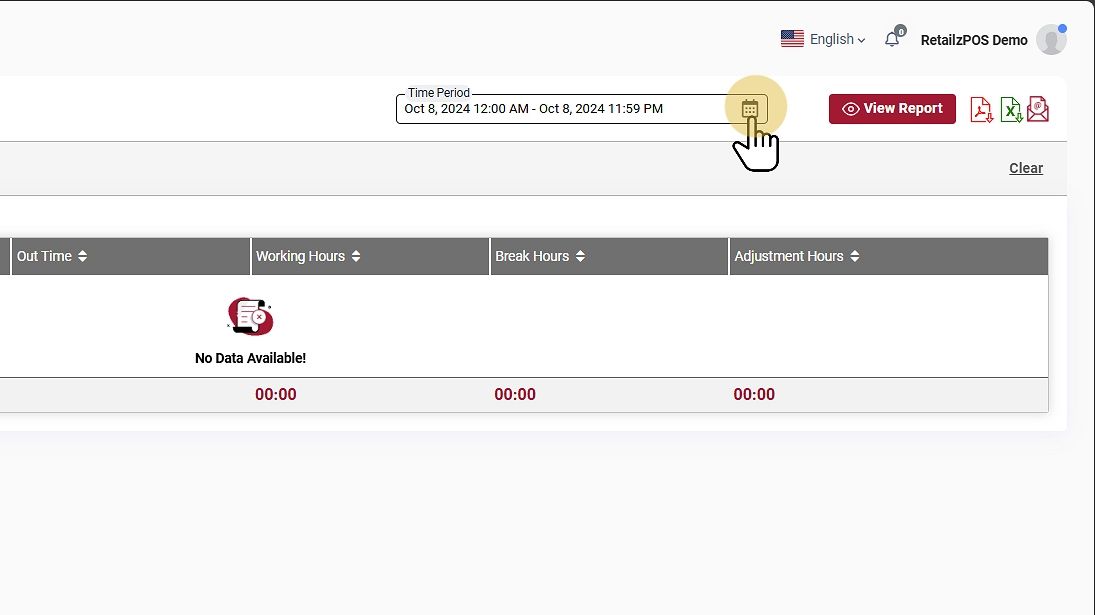
Choose a specific date range to generate the report.
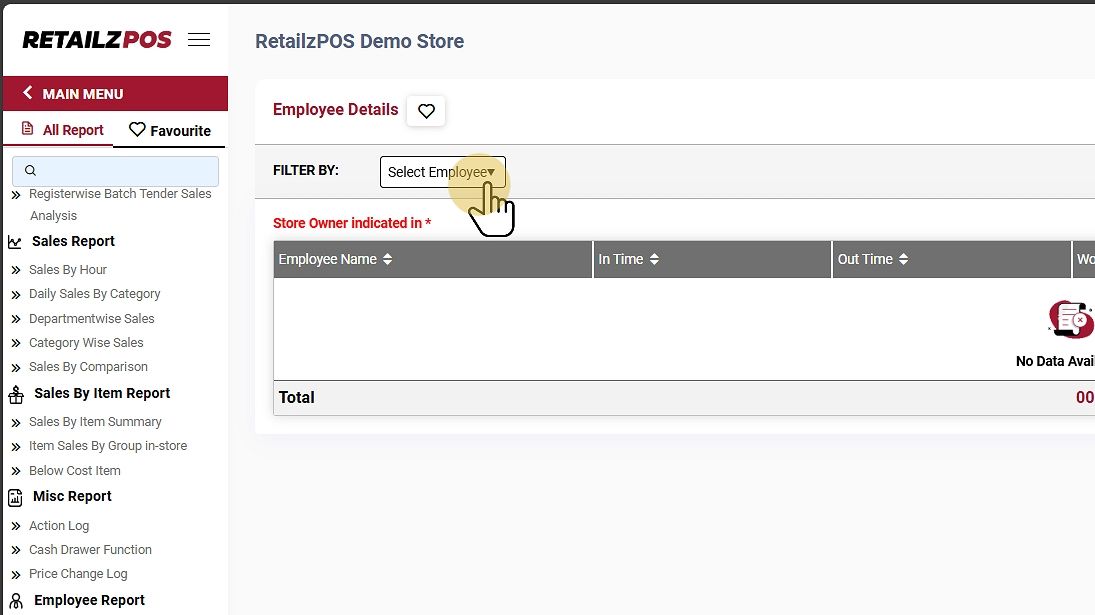
Select Employee #
Filter the Select Employee to view a specific employee’s working hours report.
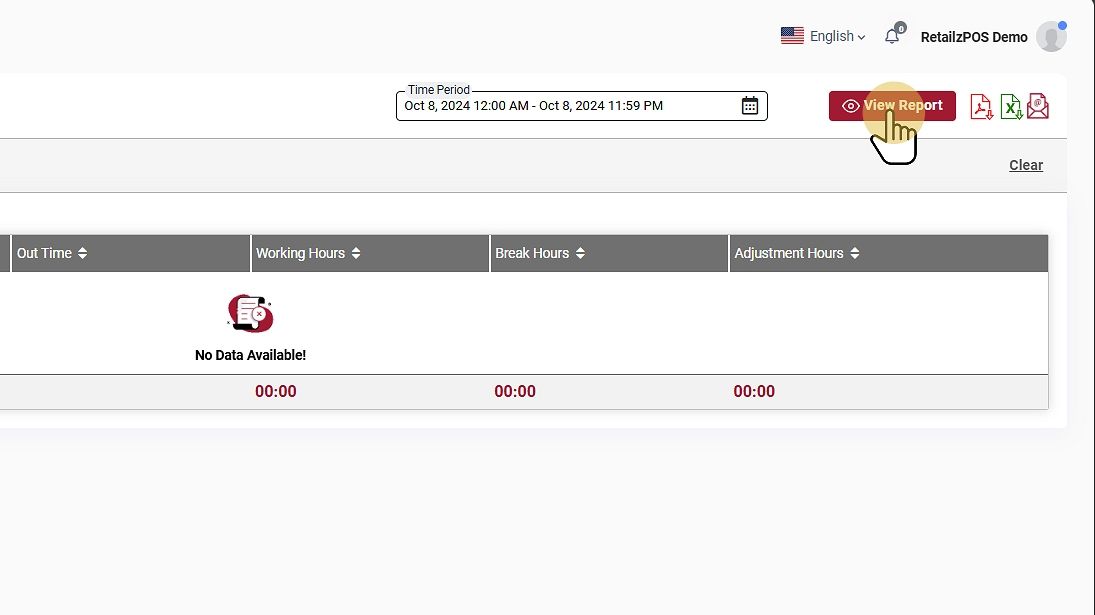
View Report #
Tap on the View Report Button to view the report.
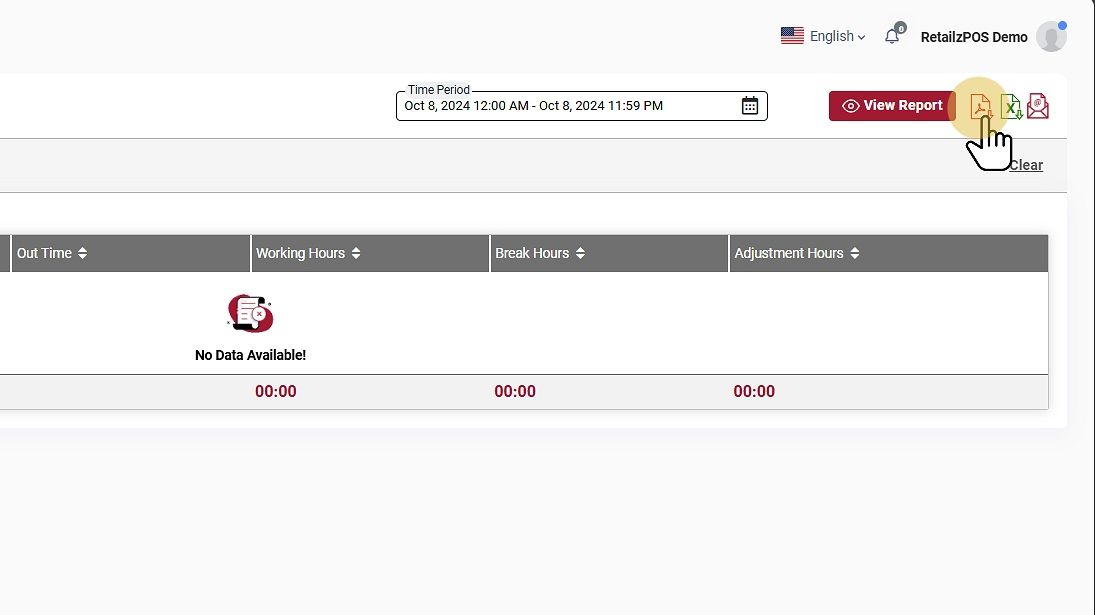
Download or Share #
- PDF File: Click the red file icon to download the report as a PDF.
- Excel File: Click the green file icon to download as an Excel file.
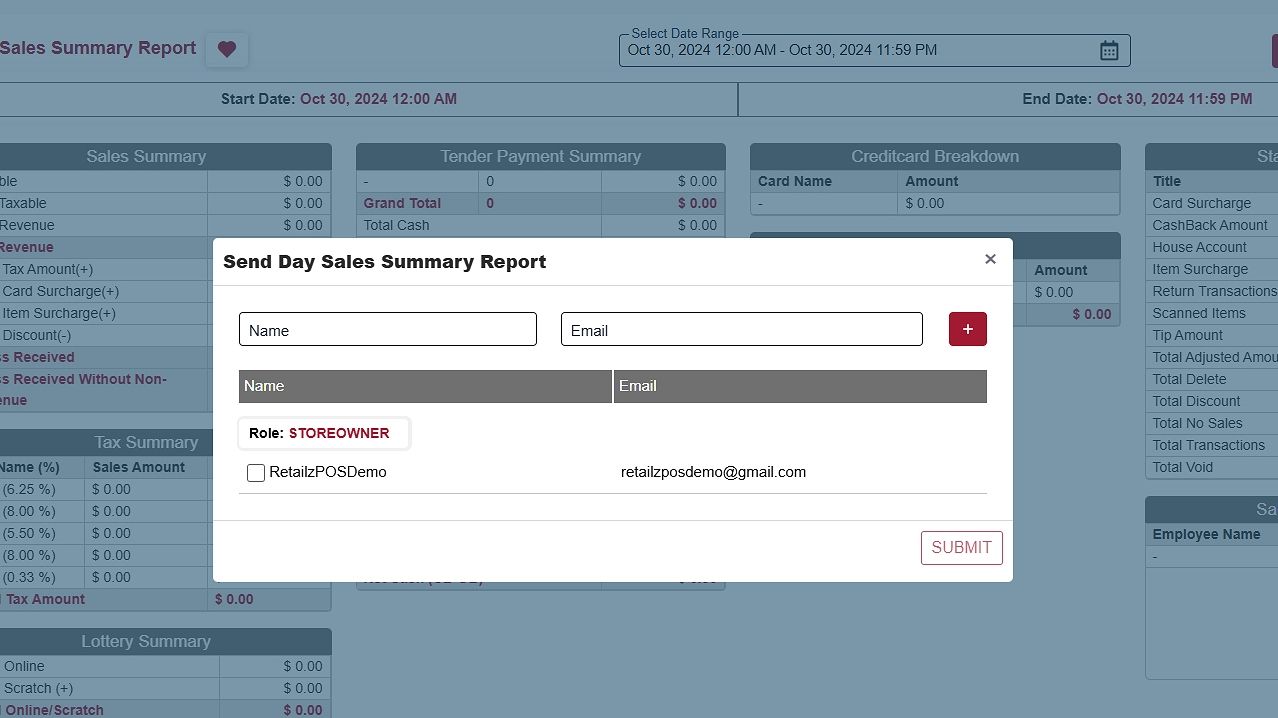
- Email Report: Send the report by email by entering the name and email address of the recipient.
Favourite #
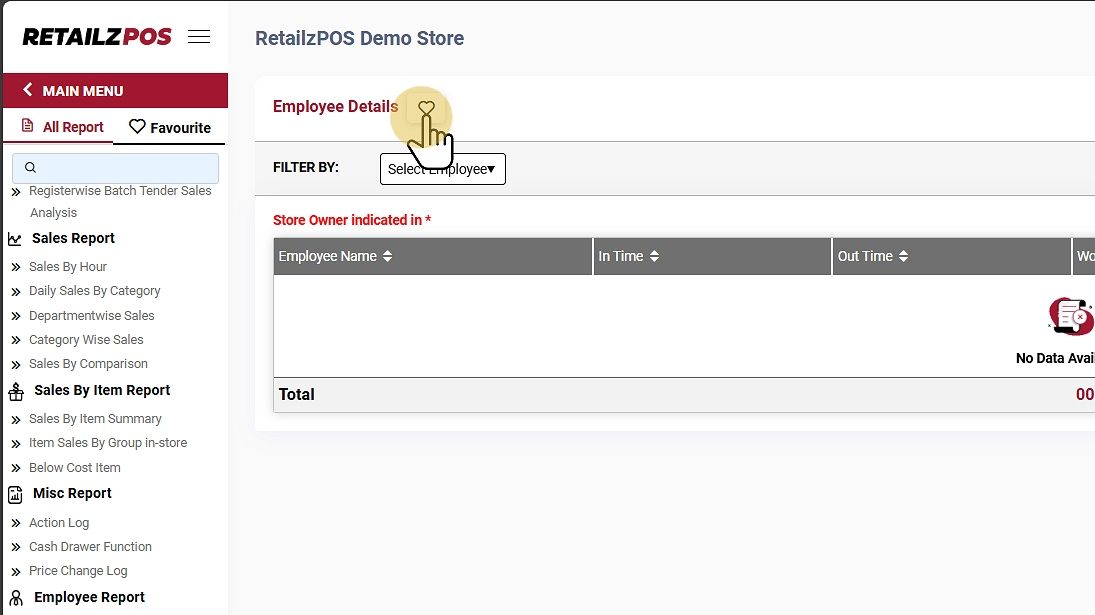
Mark the report as a favorite by tapping the “heart” icon.
It will display the configured favorite reports.
Refresh Report #
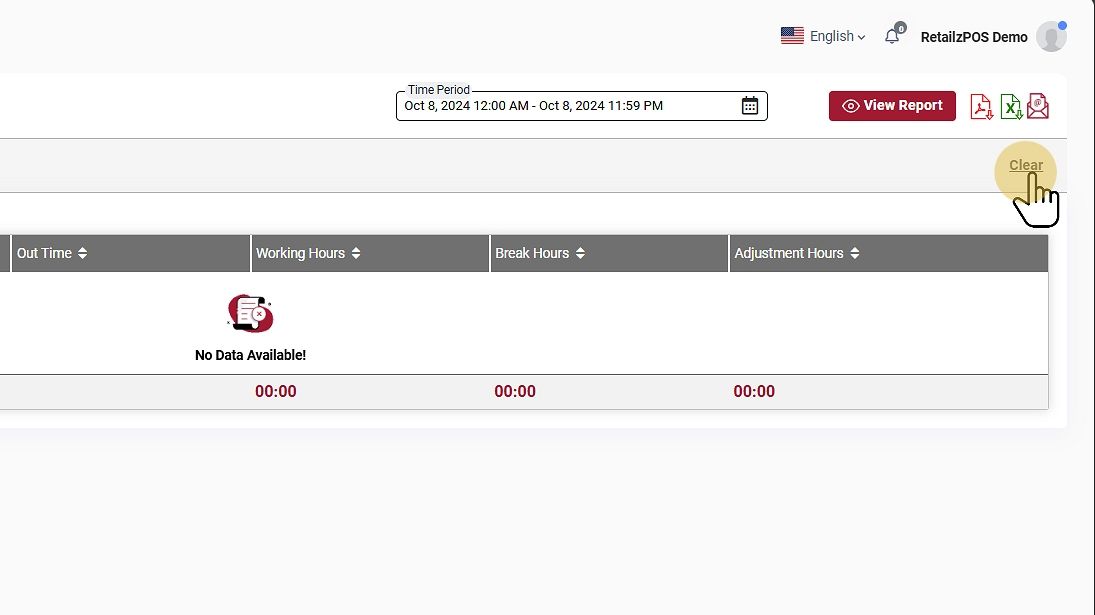
To refresh the report, click the clear button at the upper-right corner of the screen