
Overview #
This report provides a breakdown of employee sales performance, including tips and commission earned, allowing management to evaluate employee productivity.
You will also be able to view other details about your employee sales, like:
• Employee Name
• Sales Count
• Quantity Sold
• Sales Amount ($)
• Discount ($)
• Net Sales ($)
• Average Items Per Sale
• Average Sale Amount
• Tip Total ($)
• Commissions Total ($)

Access the Report #
Select Employee Reports under the Access the Employee Tip/Commission section.
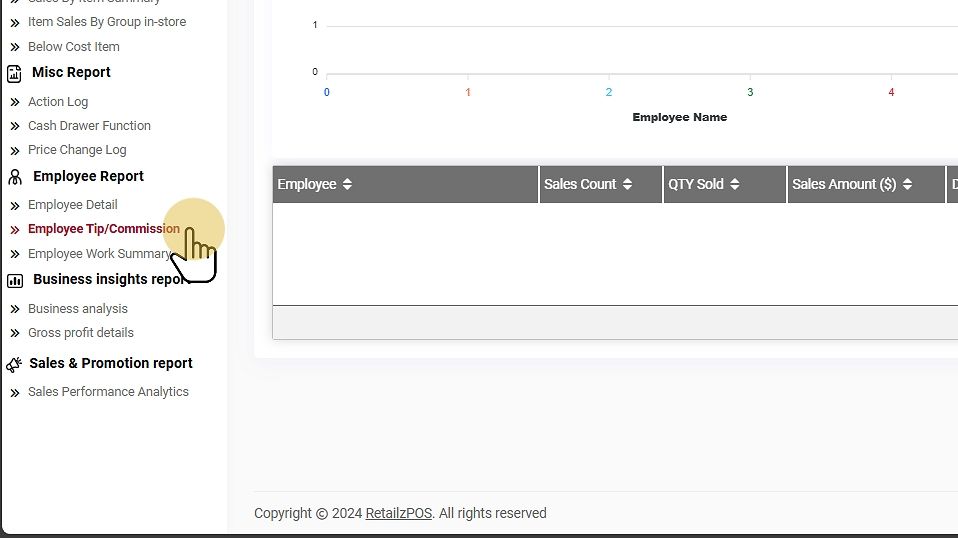
#
Filter Options #
Select Date Range #
Choose a specific date range to generate the report.
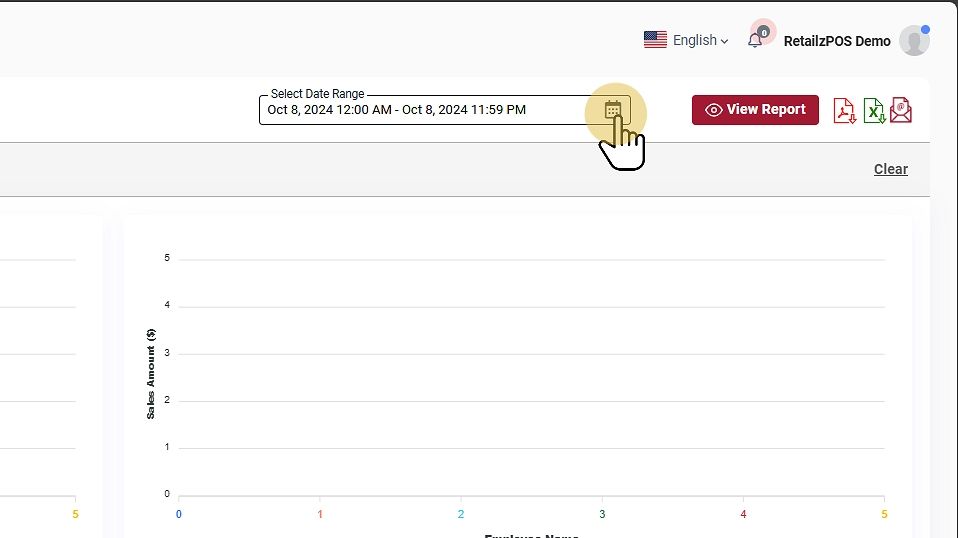
#
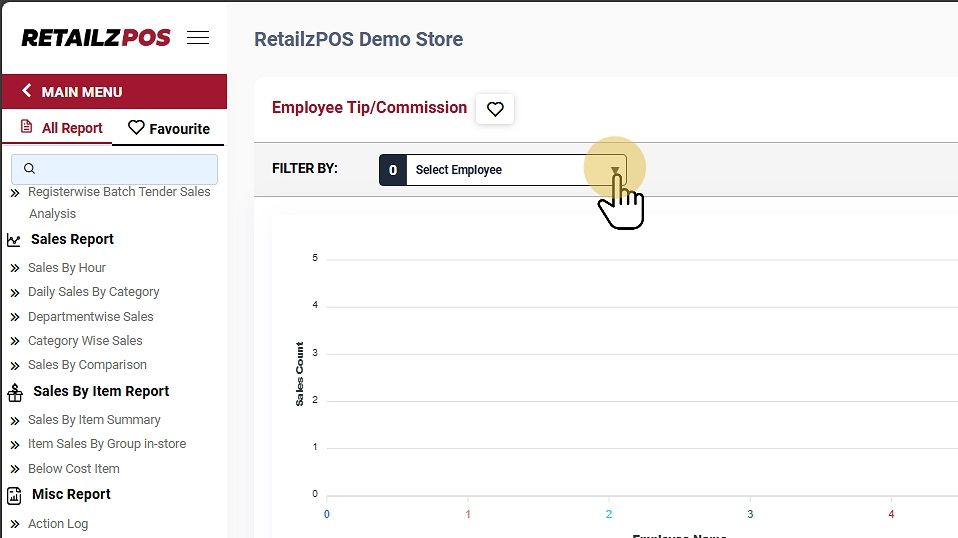
Select Employee #
Filter by employee sales for a specific date.
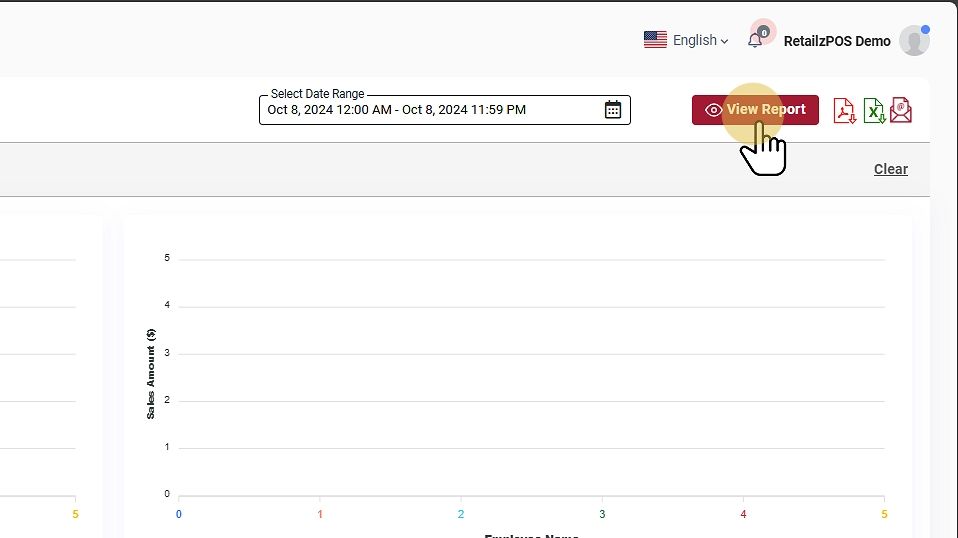
View Report #
Tap the View Report Button to see the report.
Download or Share #
- PDF File: Click the red file icon to download the report as a PDF.
- Excel File: Click the green file icon to download as an Excel file.
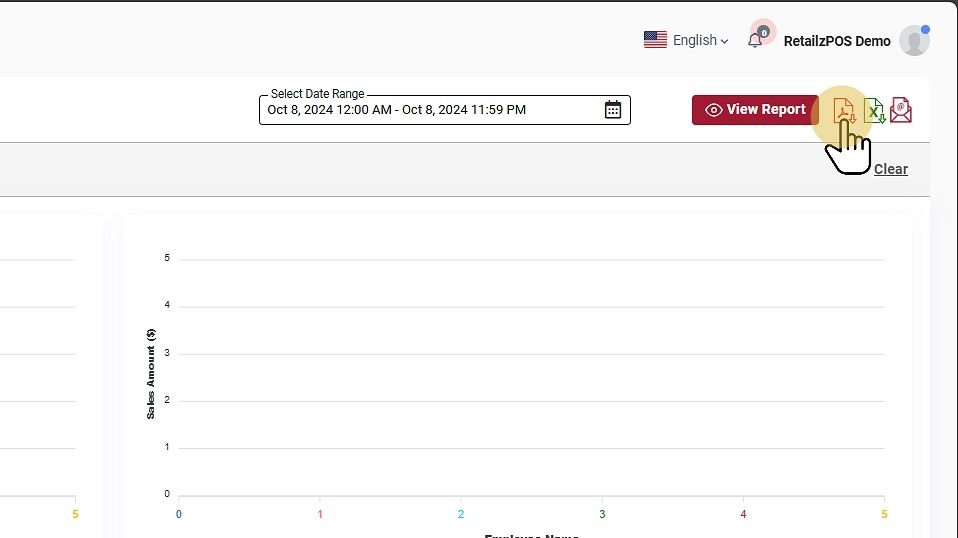
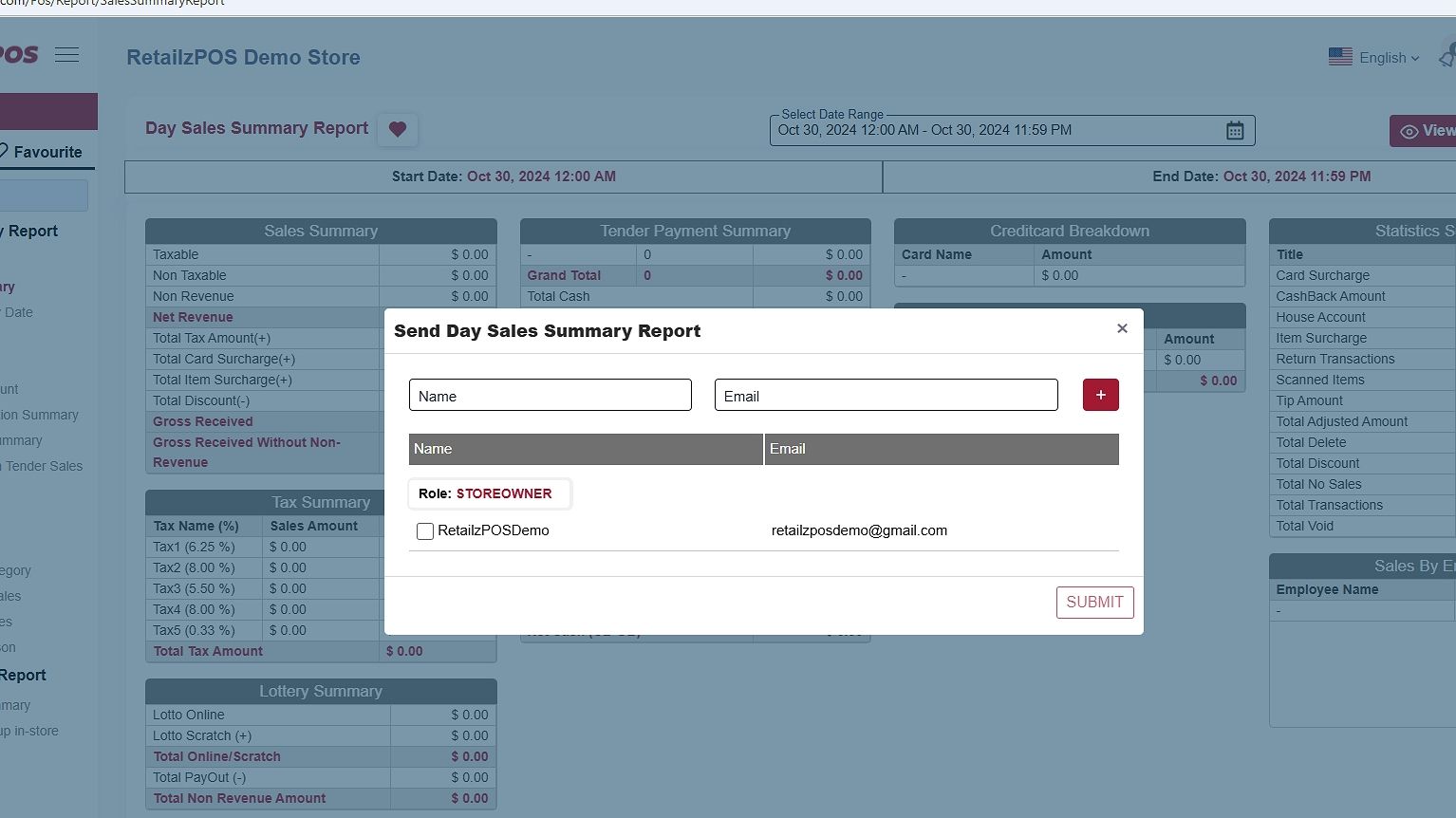
- Email Report: Send the report by email by entering the name and email address of the recipient.
Favourite #
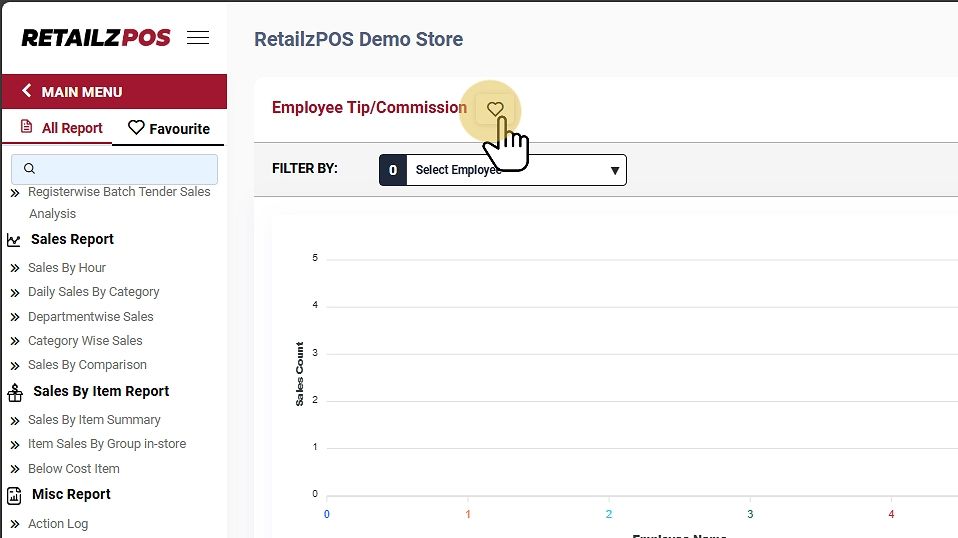
Mark the report as a favorite by tapping the “heart” icon.
It will display the configured favorite reports.
Refresh Report #
To refresh the report, click the clear button at the upper-right corner of the screen