
Overview #
Mix & Match promotions are used to help provide a discounted value on products based on the quantity of the item being sold to the customer.

Add a New Promotion #
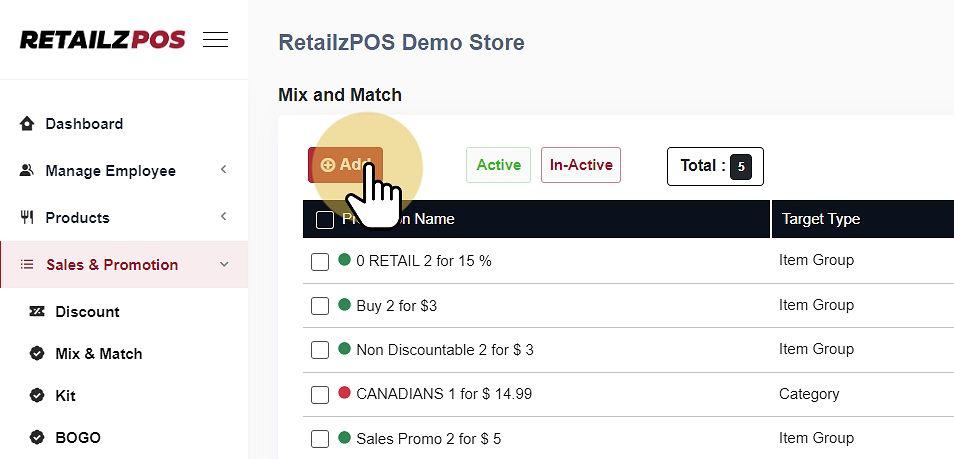
Select Add to create a new Mix & Match Promotion.
Input Promotion Details #
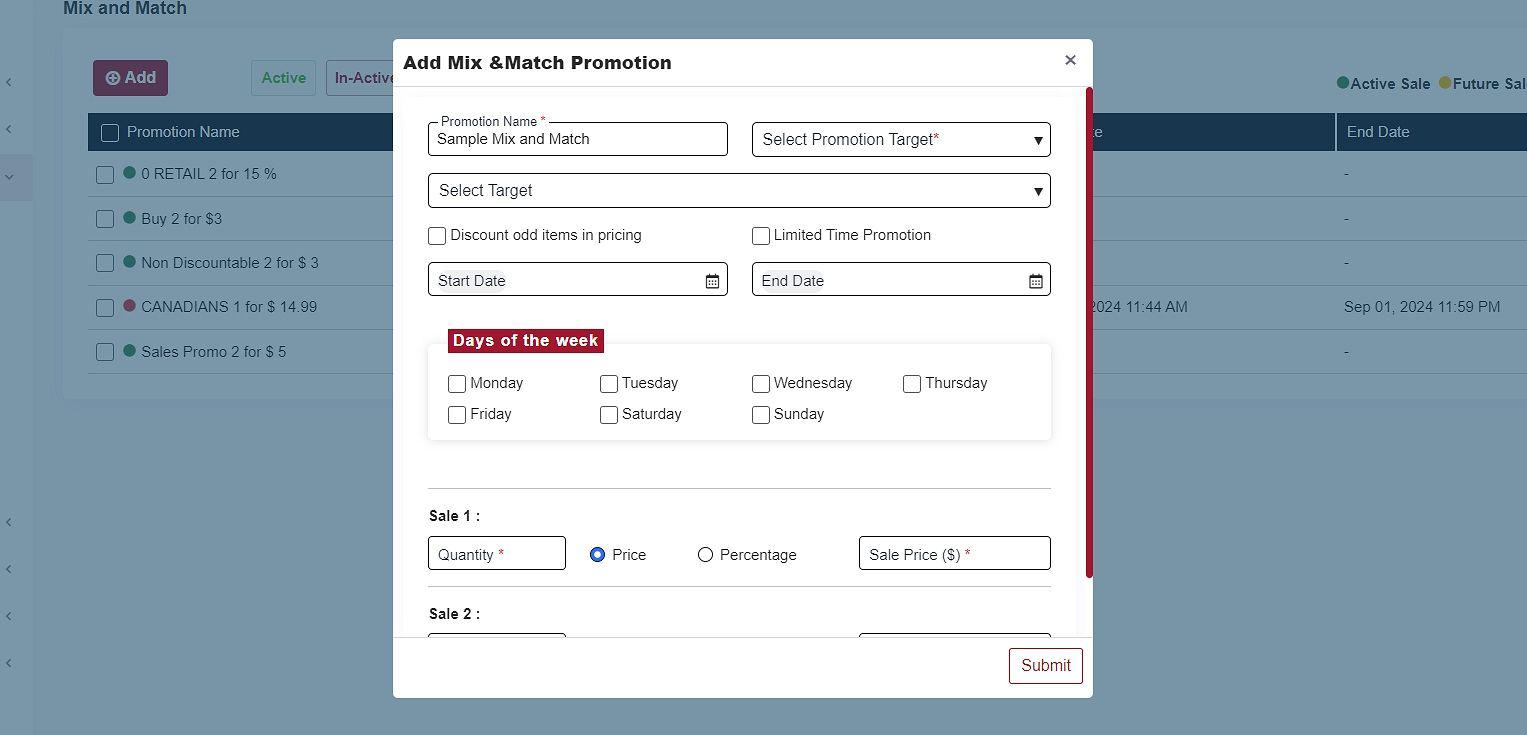
When creating a new Mix & Match Promotion, you must input the following information
-
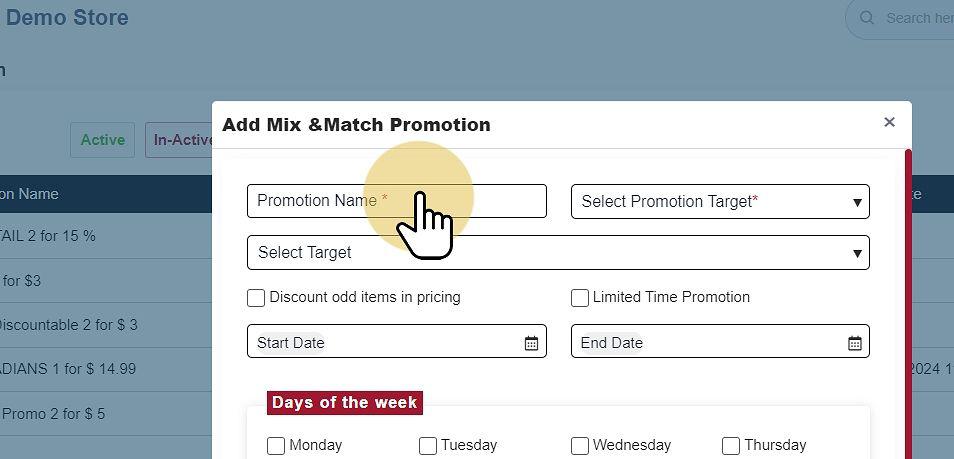
Promotion Name #
-
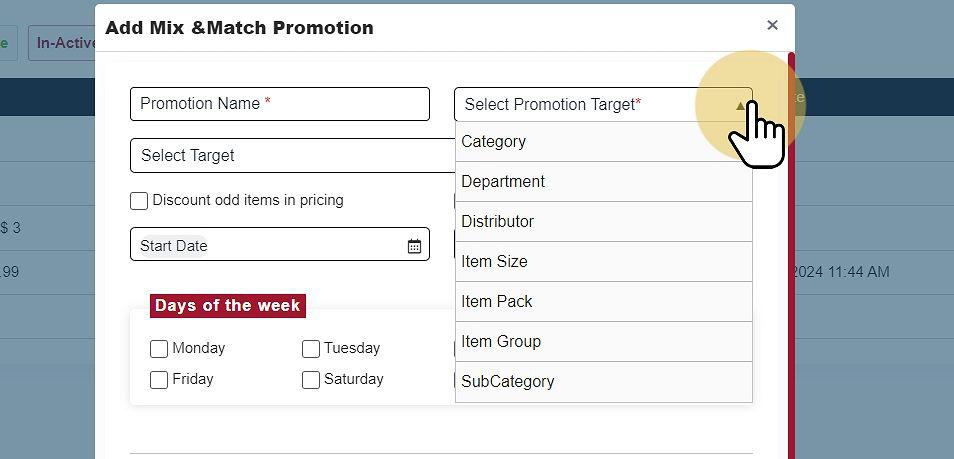
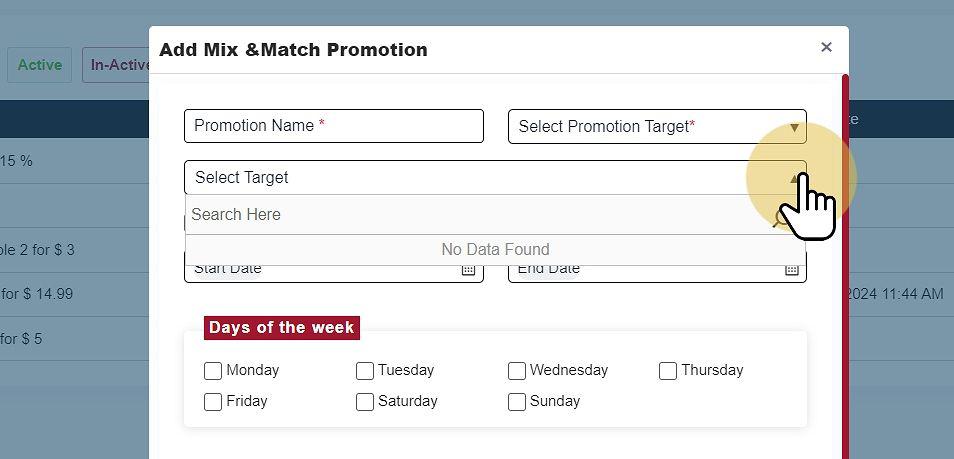
Promotion Target #
Promotion Target (Department, Category, Subcategory, Item Size, Item Pack, Item Group)
-
Target #
Target (based on Promotion Target selection)
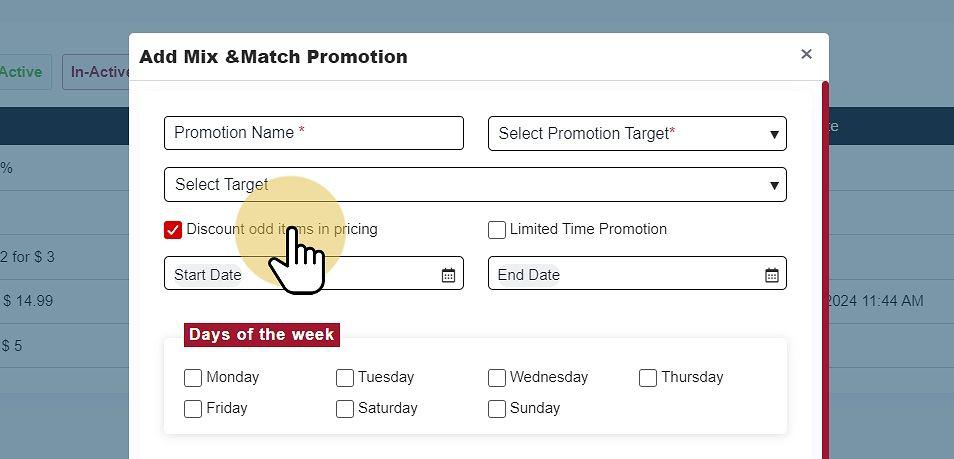
- Discount Odd Items in Pricing
-
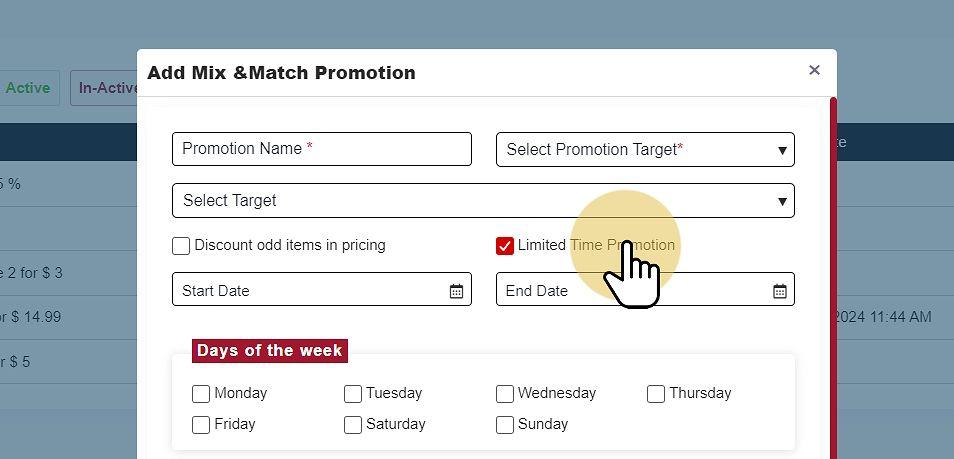
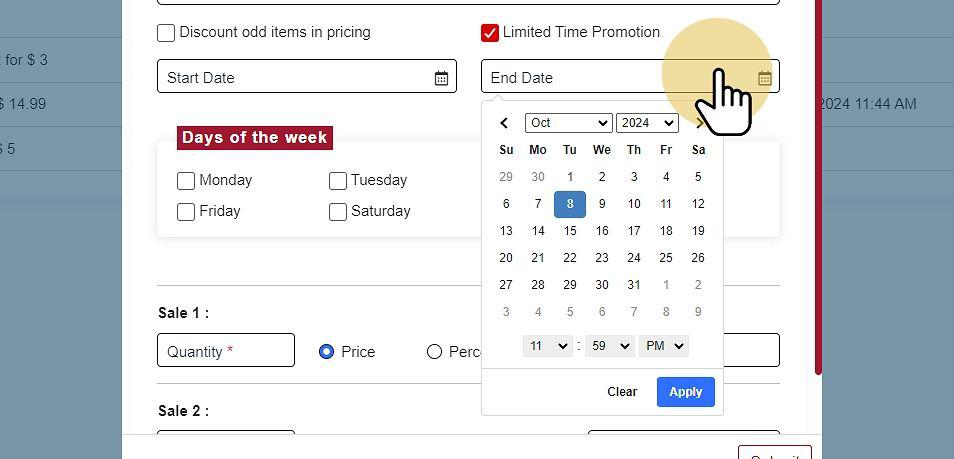
Limited Time Promotion #
-
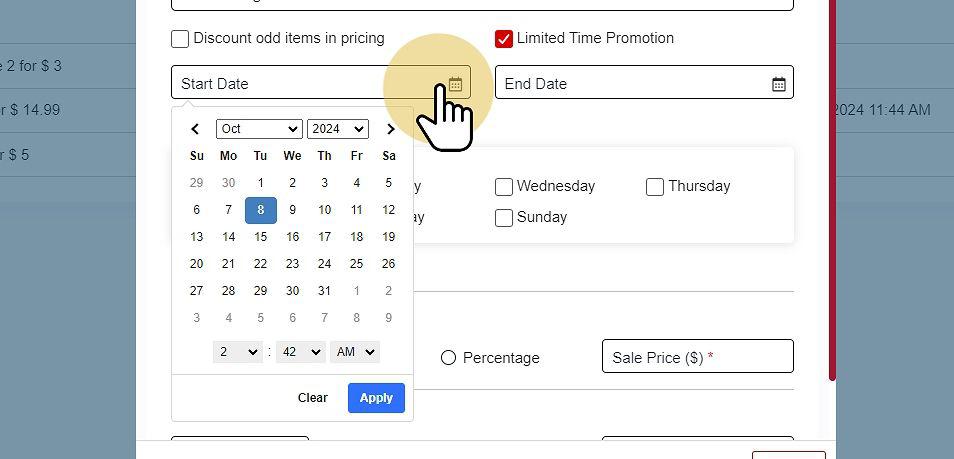
Set start and end dates #
-
Custom Date Range #
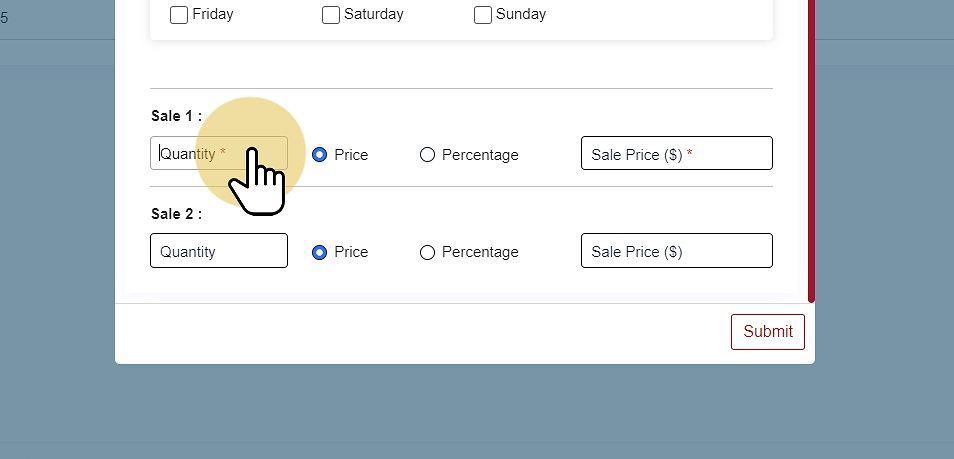
Item Sale Quantity (up to two values) #
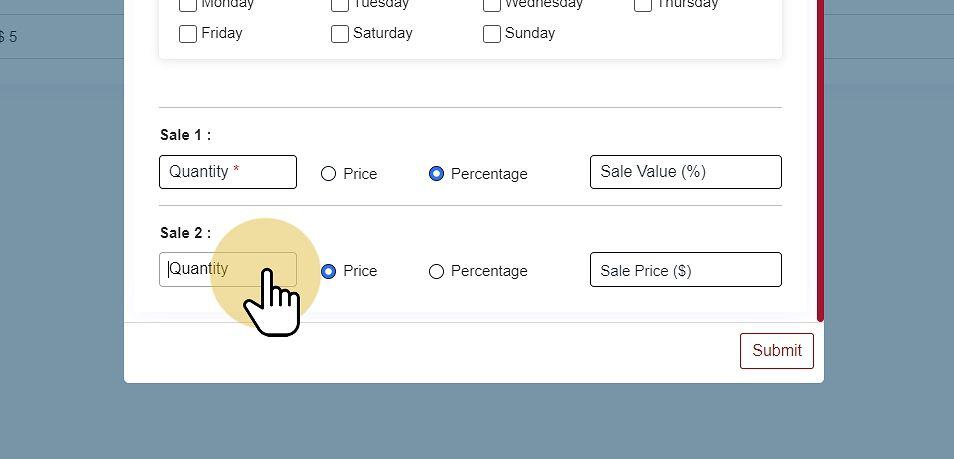
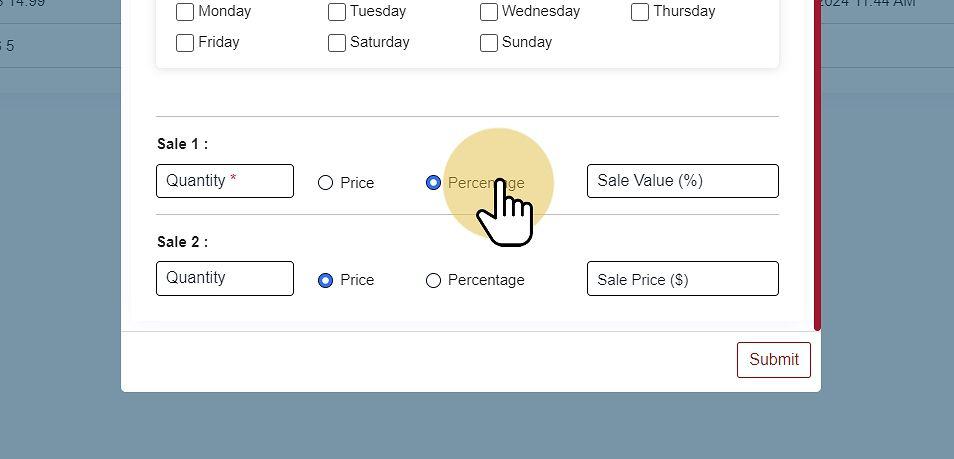
Sale Price (Amount or Percentage Off)
Save Promotion #
Select Save to apply the Mix & Match Promotion.
