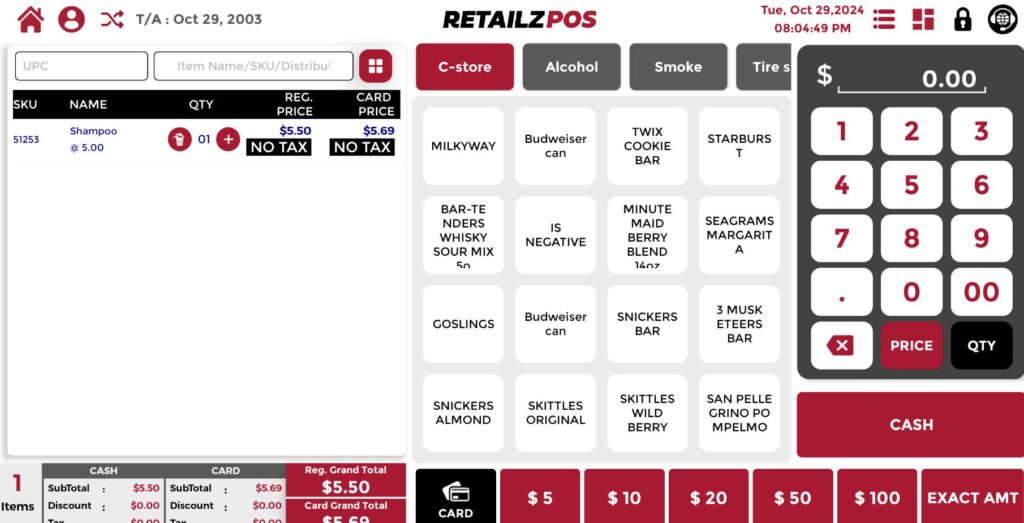
Overview #
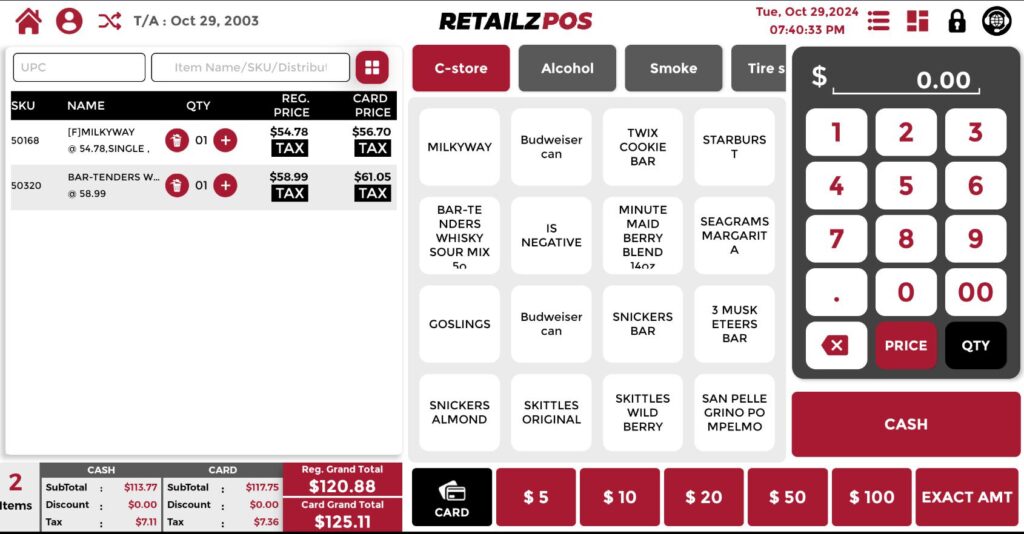
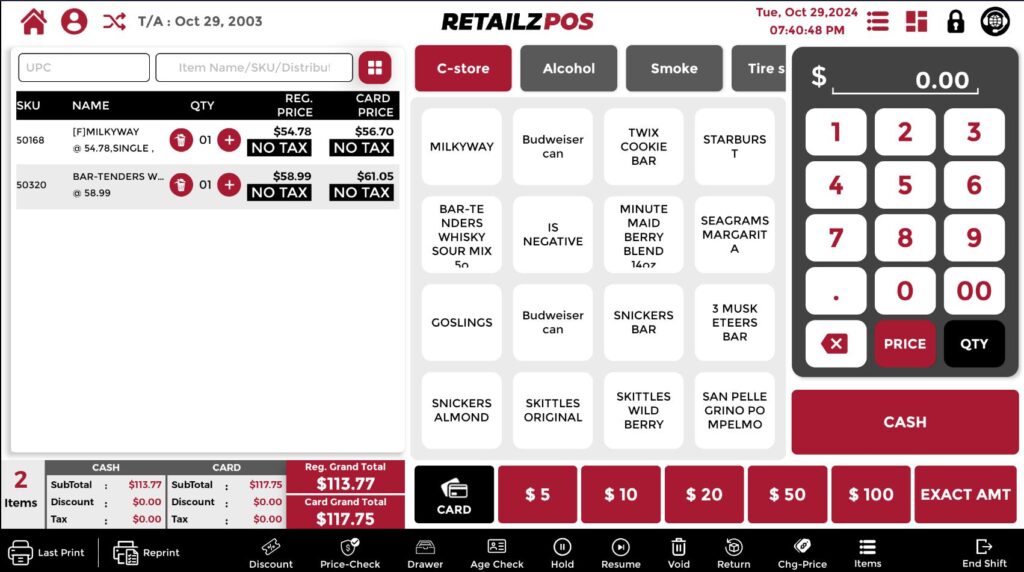
The Non-Tax function allows you to remove the tax for all items in the transaction quickly. The Price Level feature enables you to modify an item’s price during a transaction by adding or deducting a specified percentage or fixed amount from the standard price.
Non-Tax Function #
Quick Access Button #
Select the “Non-Tax” option from the Quick Access button.

Result #
After selecting “Non-Tax,” the tax is removed from all items in the transaction.
Price Level Function #
Select Price Level #
Choose the Price Level option from the Quick Access menu.

Price Level List #
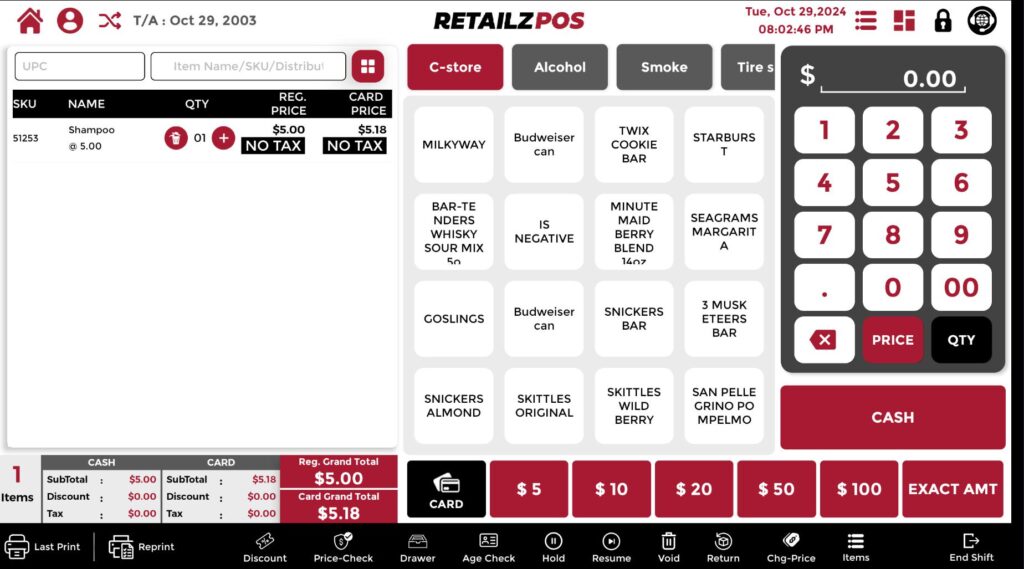
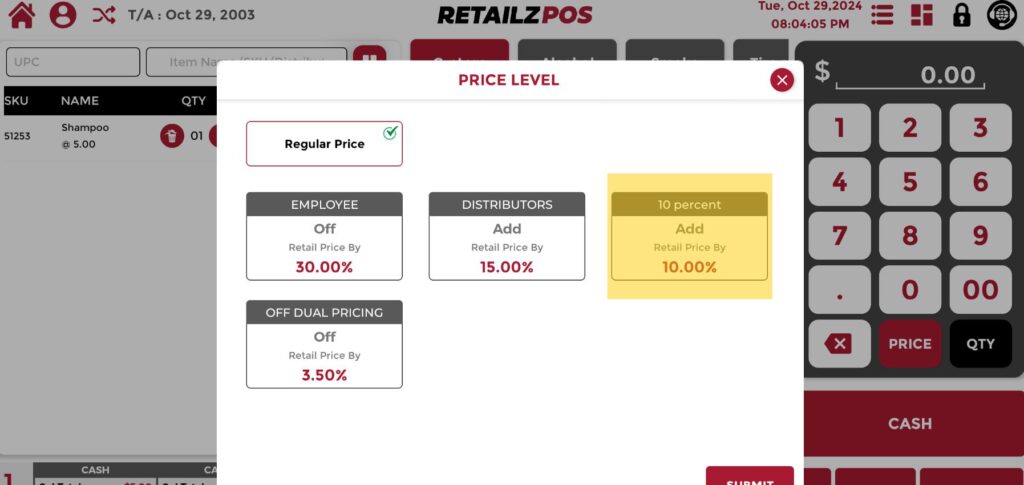
Select a price level from the available list of existing price levels.
Result #
Notice that the amount for the ringed-up item has increased by 10 percent due to the selected price level.