
Overview #
The Sales By Group In-Store report provides insights into sales performance based on specific groups within the store. It allows you to analyze which groups contribute most to your overall sales. It will show information like:
• SKU
• Item Name
• Size
• Pack
• Distributor
• Sold Quantity
• In-Store Quantity
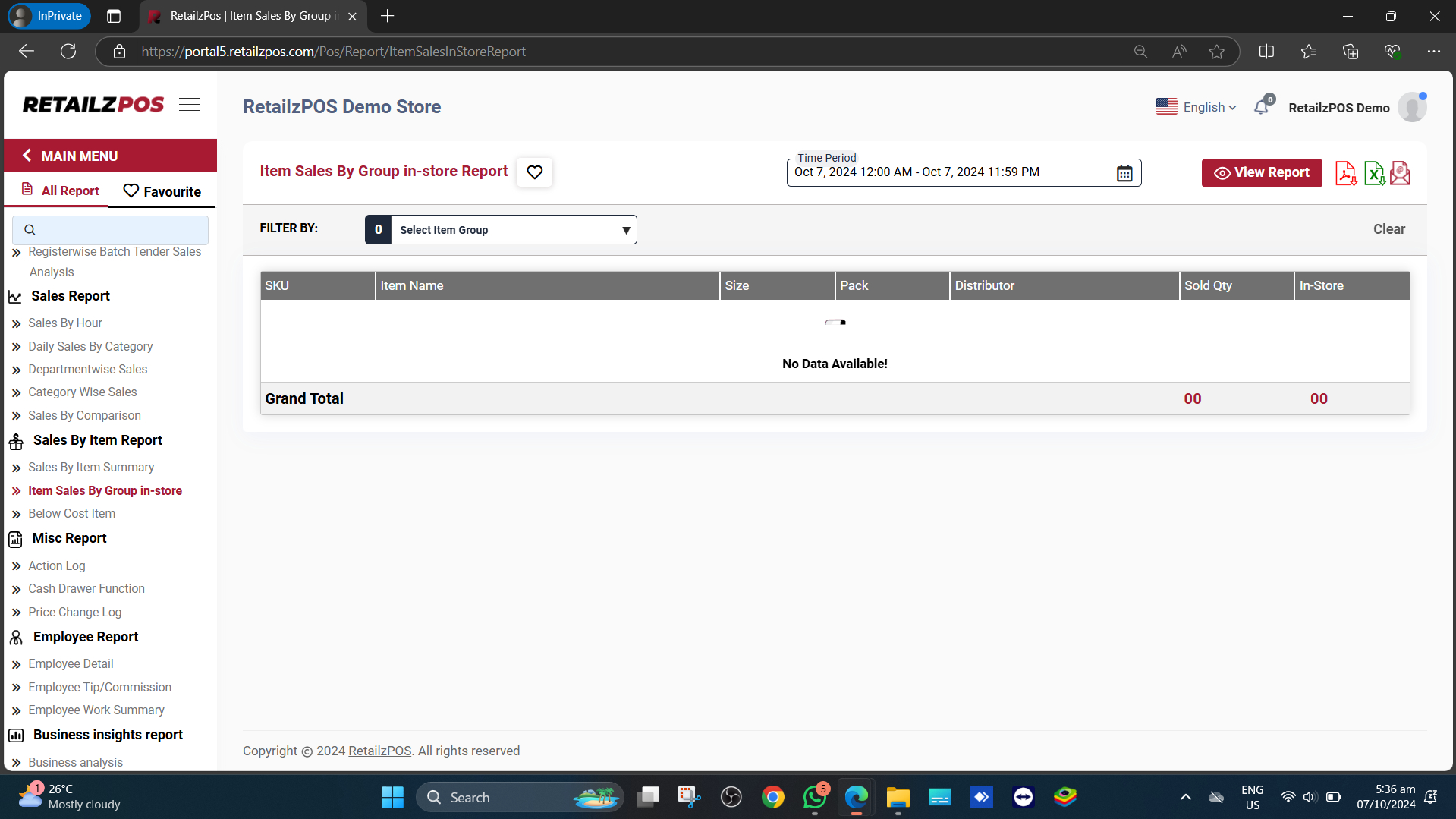
Access the Report #
Select Sales By Hour under the Sales Summary Report section.
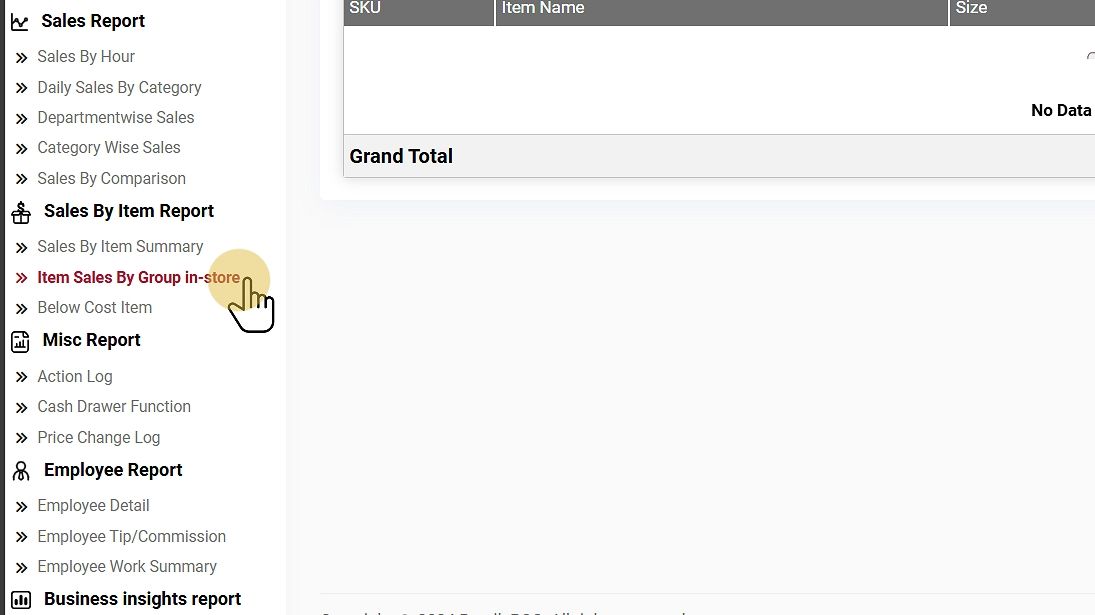
Filter Options #
Select Date Range: Choose a specific date range to generate the report.
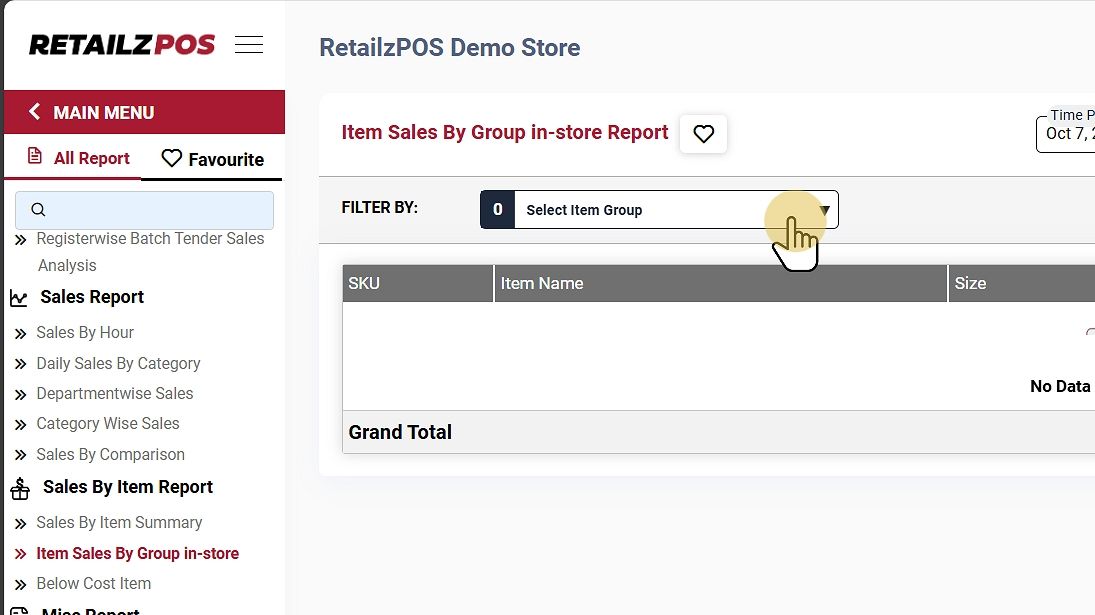
View Report #
Tap the View Report Button to see the report.
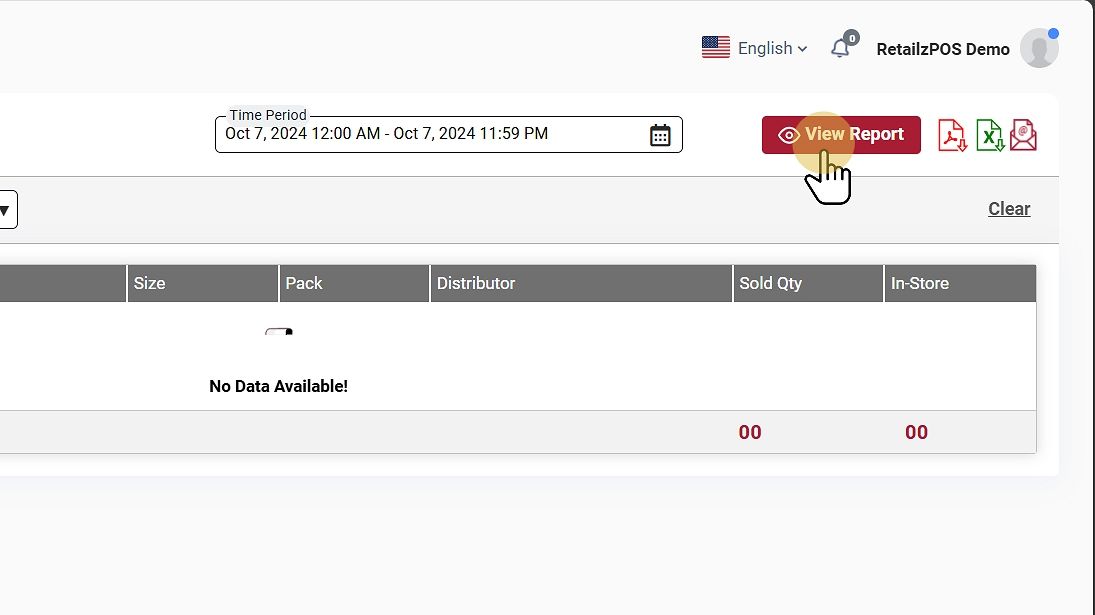
Download or Share #
- PDF File: Click the red file icon to download the report as a PDF.
- Excel File: Click the green file icon to download as an Excel file.

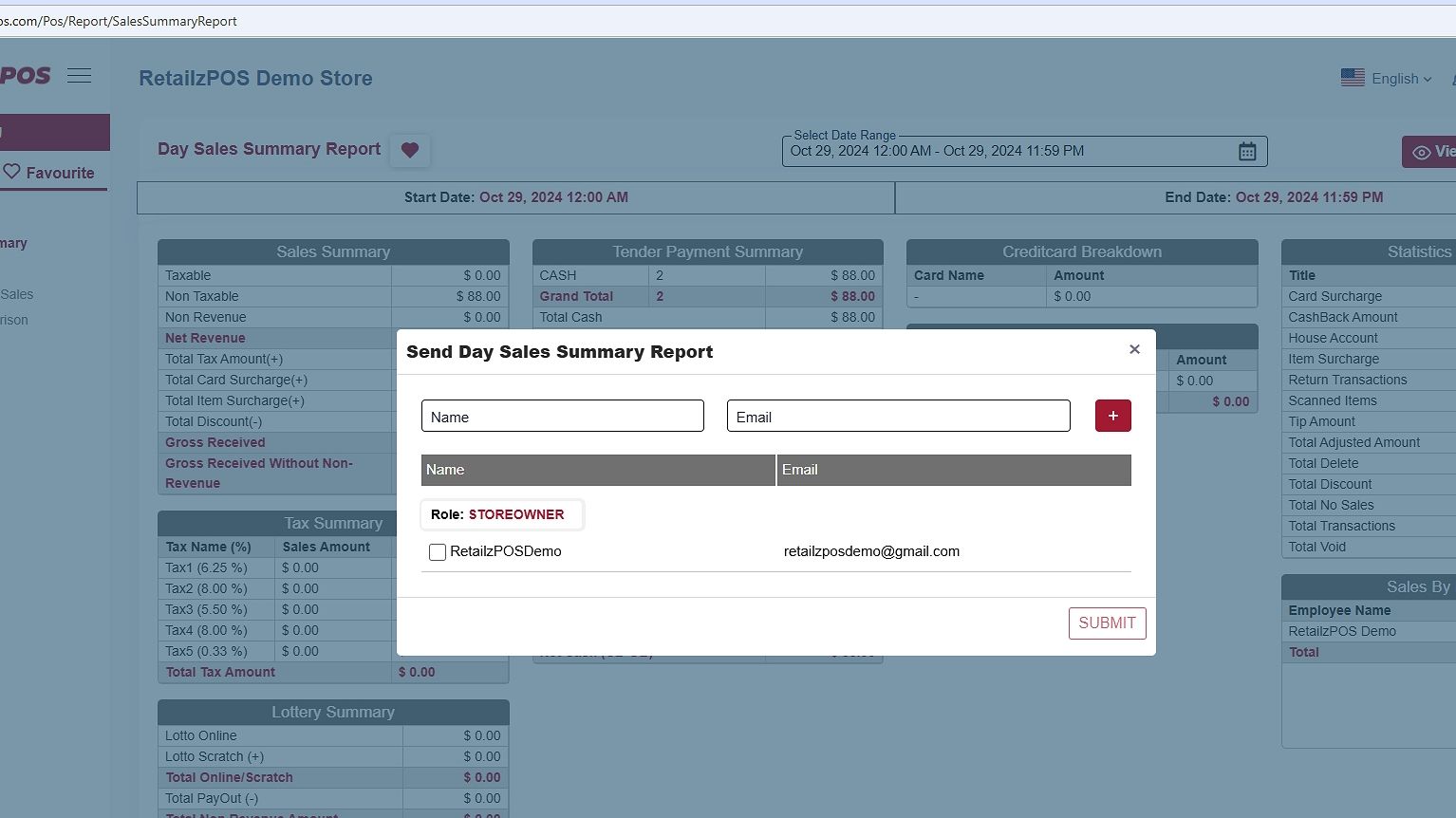
- Email Report: Send the report by email by entering the name and email address of the recipient.
Favourite #
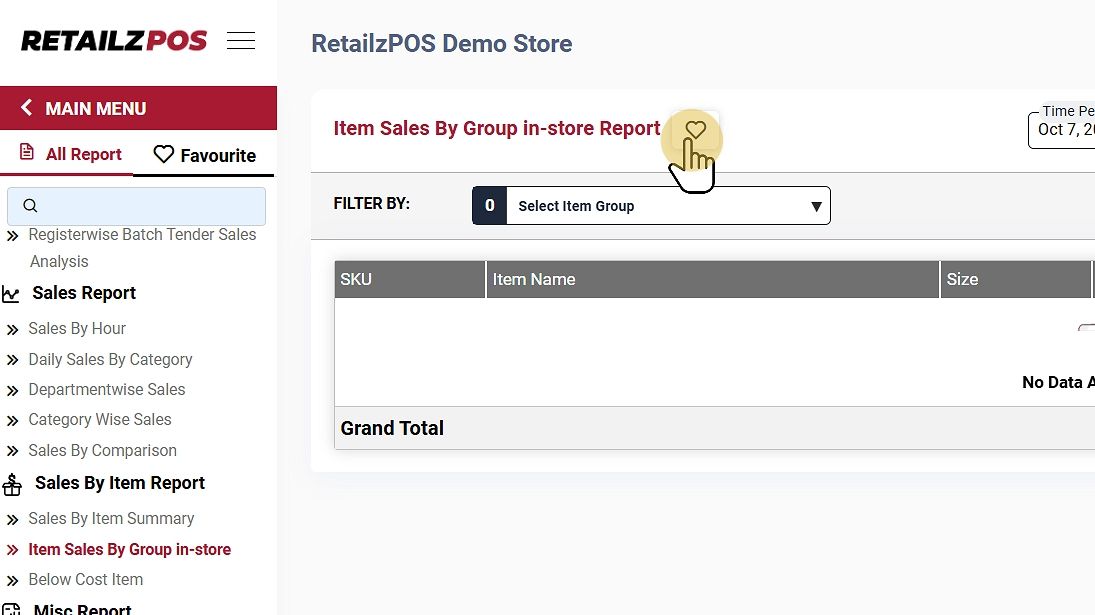
Mark the report as a favorite by tapping the “heart” icon.
It will display the configured favorite reports.
Refresh Report #
To refresh the report, click the clear button at the upper-right corner of the screen